
POS Hardware OEM and Private-Label Options
Review OEM hardware customization options for eligible POS terminals, self-checkout kiosks and retail scales from China, including logo, labels, packaging and standard configuration details.
Share your product model, branding requirements and expected quantity. We will confirm which standard OEM and private-label options are available for the selected hardware.
Standard OEM and Private-Label Options
OEM hardware customization and private-label options work best once you have a POS hardware category, model direction and expected order quantity. Available options depend on the selected hardware, supplier confirmation and sample stage.
Logo, Labels and Packaging
Discuss logo placement, product labels, carton marks, manuals, inserts and packaging artwork.
Configuration and Accessories
Confirm standard RAM, storage, ports, plug type, cables, customer display, scanner and accessory requirements.
Boot Logo and System Setup
Discuss supported boot logo, language, system image or setup requirements for the selected model.
Once you have selected a POS hardware model, your branding requirements can be reviewed alongside the available configuration and packaging options. Share the files and details you have, then confirm the visible OEM points before placing a small-batch order. For questions about a previous Tesp order, use Existing Order Support.
How to Confirm OEM Details for Your POS Hardware
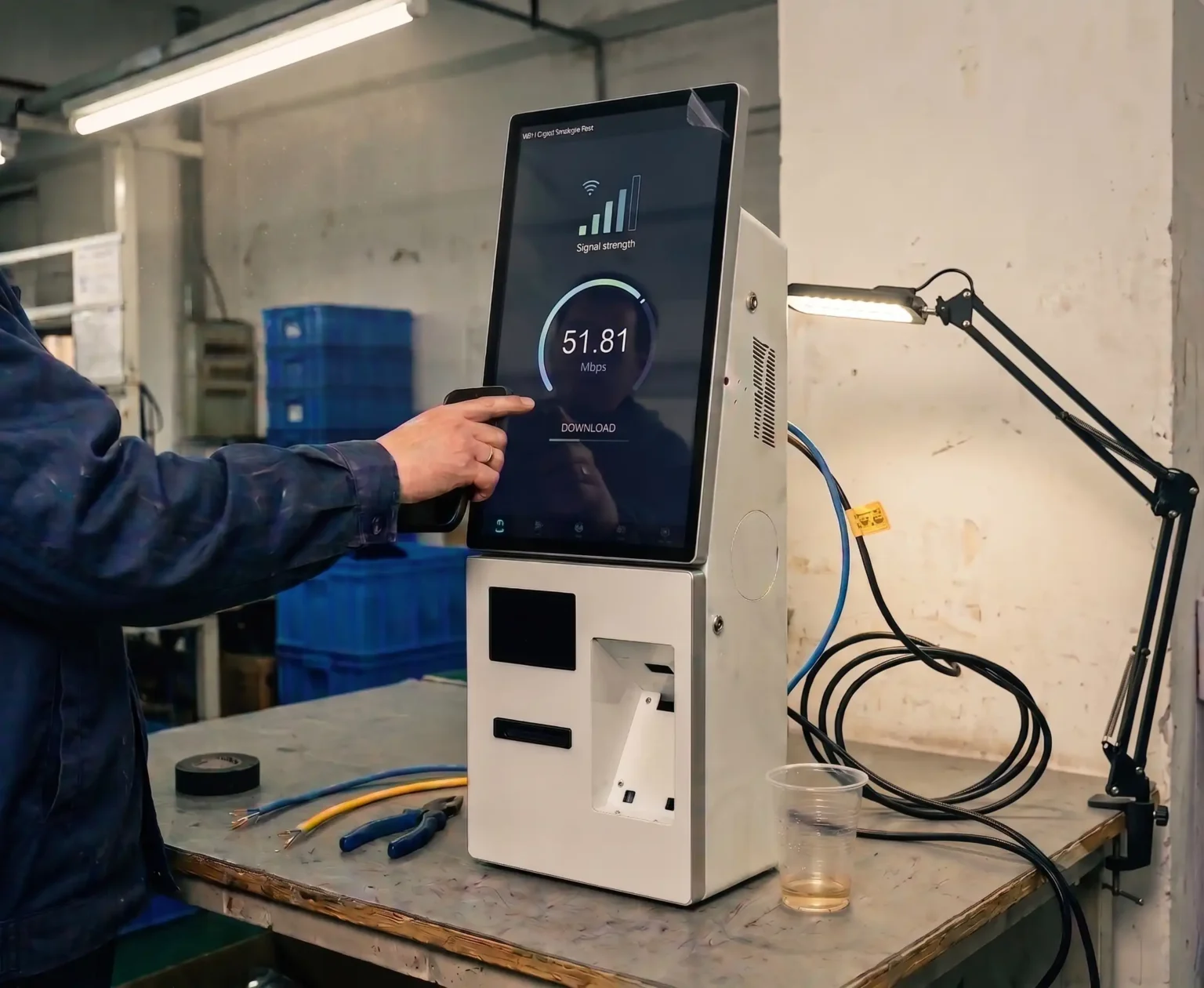
Share Your Branding Requirements
Provide logo files, label text, packaging notes, configuration choices and accessory requirements for the selected model.
Review Sample Evidence
Review available logo-position photos, label images, packing photos or product material before approving the order details.
Confirm Order-Ready Details
Keep approved OEM details and remaining product questions clear before confirming a small-batch order.
OEM and Private-Label Checklist Before a Small-Batch Order
Confirm the practical branding, label, packaging, accessory and configuration details before placing a small-batch POS hardware order. This reduces avoidable differences between the approved sample and the order details.
| OEM Area | What to Confirm | What Tesp Can Coordinate |
|---|---|---|
| Logo | Logo file, color requirement, placement area, print method, size and approved sample reference. | Available logo-position photos and product-detail confirmation. |
| Labels | Product label text, barcode or serial-number format, rating label, warning label and language needs. | Label artwork comparison, available photo material and open label questions. |
| Packaging | Carton marks, branded box, insert, quick-start guide, accessory packing and shipment label information. | Carton photos, packing photos and accessory-list information. |
| Boot Logo | Boot logo file, startup-screen requirement, operating-system direction and supported setup scope. | Available setup information and sample material where applicable. |
| Configuration | RAM, storage, operating system, screen size, customer display, ports, plug type and included accessories. | Configuration record and available product details for buyer review. |
| Approval Notes | Approved sample reference, changed requirements and remaining buyer approval points. | Clear order-detail record before a small-batch order is confirmed. |
OEM Requirements and Buyer Confirmation Points
Standard OEM Options to Discuss
- Logo placement, label content and packaging detail requirements
- Supported boot logo, color and standard setup requests
- Sample photos, packaging photos and visible approval material
- Accessory list, plug type, cable and configuration detail alignment
- Open product questions before a small-batch order is confirmed
Buyer Confirmation Points
- Final artwork, trademark, barcode, label text and language accuracy
- Software compatibility, APK, driver, firmware and integration validation
- Certification, import compliance and local market requirements
- Custom hardware R&D, motherboard redesign or deep ODM feasibility
- Final commercial approval, order quantity and payment decision
OEM & Private Label FAQs
What OEM and private-label options are available for POS hardware?
OEM hardware customization options can include logo placement, product labels, carton marks, packaging artwork, boot logo, color, plug type, accessories and agreed configuration details. Availability depends on the selected model and expected quantity.
Can I add my logo and packaging to a POS hardware order?
For eligible models, you can discuss logo placement, label content, packaging and carton requirements. Share your logo file, artwork, expected quantity and selected product model so the available options can be confirmed.
Can I approve logo and packaging details before ordering?
Yes. Review available logo-position photos, label images, carton photos, packaging notes and any remaining questions before confirming the small-batch order.
Can I request a boot logo or operating-system setup?
You can discuss boot logo, language, Android image, Windows setup or standard configuration requirements for the selected model. Final software compatibility and integration testing must be confirmed by your technical team.
What should I send for an OEM request?
Send the product category, selected model or sample reference if available, logo files, label text, packaging notes, configuration requirements, accessory list, expected quantity and destination market.
When is the right time to discuss OEM details?
OEM details are best discussed once you have a product direction and an expected order quantity. If you need to compare models first, start with Hardware Options; if you need a sample, use Configuration Review.
Request POS Hardware OEM Options
Share the POS hardware product, model if available, logo or packaging requirements, configuration needs, expected quantity and destination market. You do not need a complete specification sheet for the first message.