
POS Machines and Terminals for Retail and Restaurant Projects
All-in-One POS Formats
Hardware options for customer projects and new product lines
Dual-Screen Checkout Layouts
POS machines reviewed around your OS, ports and peripherals
Samples and Small Batches
Start with evaluation units or a practical pilot quantity
Android and Windows Paths
Compare available hardware around your software environment
Choose by Operating System
The operating system affects processor options, drivers, peripherals and software deployment. Choose Android or Windows first, then compare the Premium and Standard POS hardware platforms available for that environment.
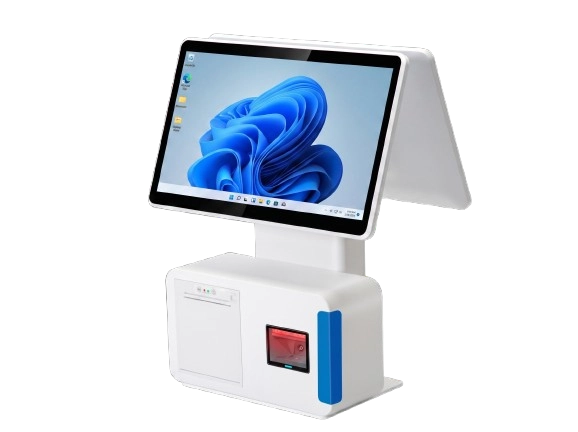
Windows POS Terminals
Windows POS machines support desktop software and peripheral setups that depend on specific processors, drivers and I/O ports. Confirm the Windows edition, CPU range, display layout, COM ports, USB connections and driver availability before sampling.
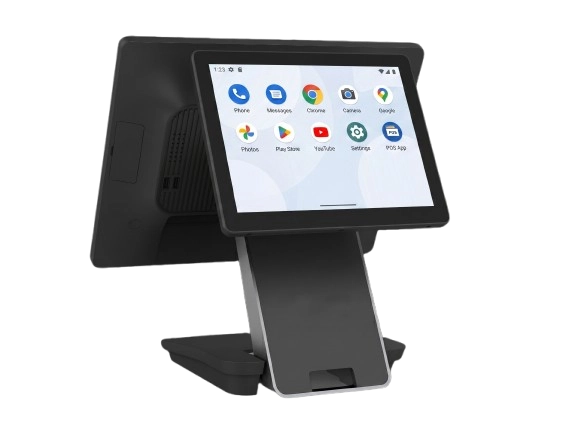
Android POS Terminals
Android POS machines are suitable for APK-based retail, restaurant and service applications that need a compact touchscreen platform. Review the Android version, processor, memory, GMS requirements, ports and connected peripherals before requesting a sample.
Choose a POS Hardware Platform
After confirming the operating system, compare the hardware platform around performance, display layout, enclosure, printer and peripheral requirements.
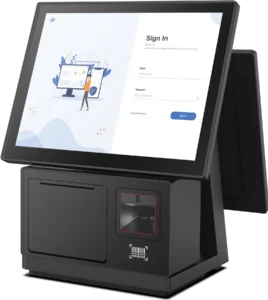
Premium POS Terminal Platform
For retail and restaurant projects that prioritize industrial design, current processor options and long-term expansion. Available with Windows 11 or Android 11/14, 15- or 15.6-inch main displays, multiple customer-display sizes, metal enclosures and selected 12V/24V powered USB configurations.
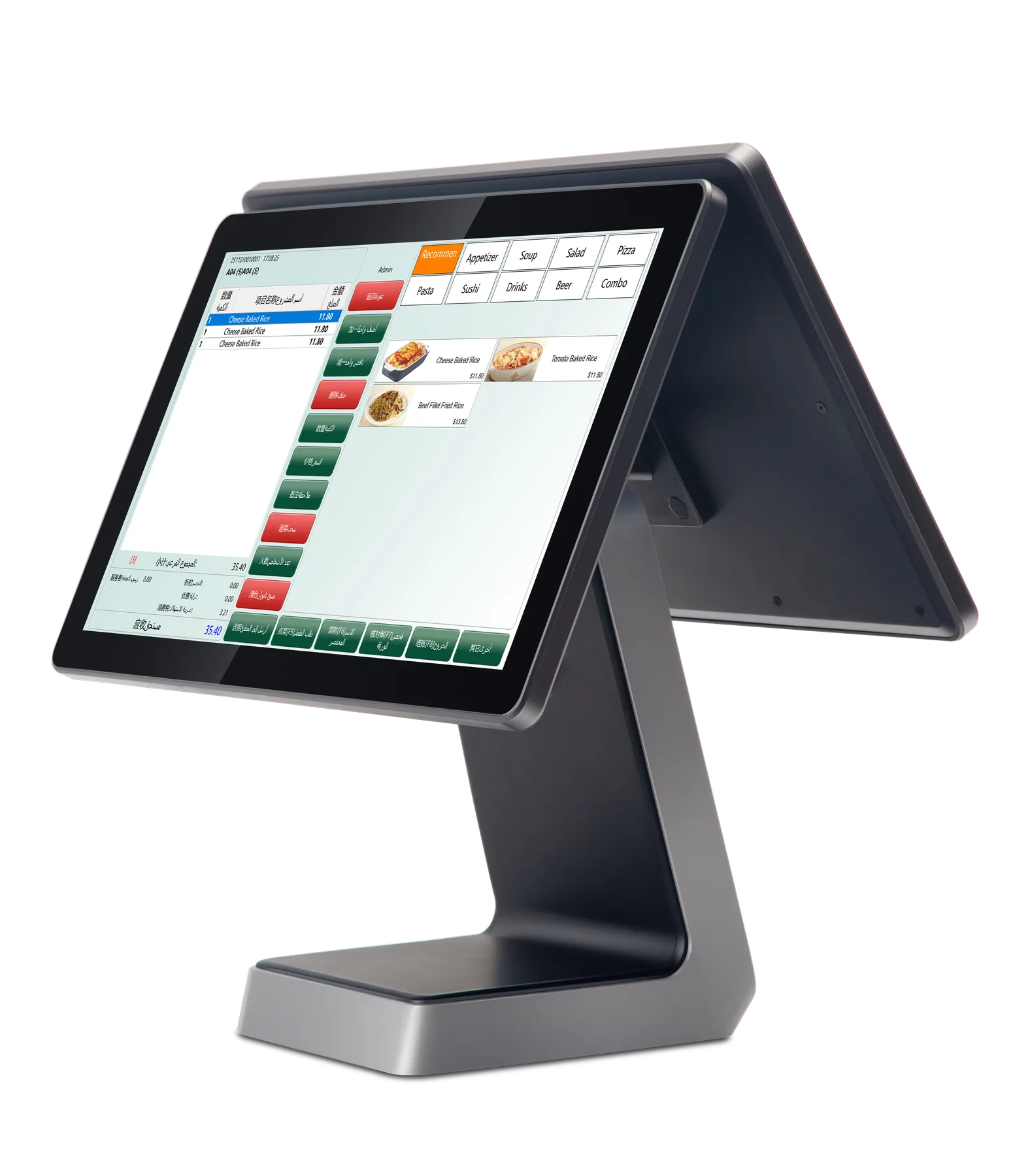
Standard POS Terminal Platform
For standard checkout counters, restaurant front desks and batch deployments that need flexible screen, enclosure and peripheral combinations. Available for Android projects and selected legacy Windows environments, with single- or dual-screen layouts and models with or without an integrated 58mm receipt printer.
Compare POS Terminal Platforms
Compare POS terminal hardware by operating system, display layout, processor, memory, storage, ports, built-in peripherals and order quantity. If you need model availability, a sample or a quotation, share the software direction and the required devices so the supplier can separate standard configurations from project options.
Before requesting model options, buyers can use this POS hardware configuration sheet to organize the operating system, ports, peripherals, quantity and destination requirements.
| POS Platform | Operating System | CPU | Enclosure | Memory & Storage |
|---|---|---|---|---|
| Premium POS Terminal Platform | Windows 11 Android 11 / 14 | Intel N95 Core i3 / i5 RK3568 / RK3576 | Metal Enclosure Dual-Hinge Structure Fully Laminated Display | Windows: 4-32GB / 128-512GB Android: 4-16GB / 64-256GB |
| Standard POS Terminal Platform | Android 11 Windows 7 / 10 Request | 3rd-Gen Intel Core Configured on Request N5095 RK3566 / RK3568 | Plastic / Metal Options Fixed or Foldable Printer Option | Windows: 4/8GB / 64-512GB Android: 2/4GB / 32/64GB |
What to Confirm Before Requesting a POS Terminal Sample or Quotation
A clearer requirement list makes supplier comparison and sample review more useful. You do not need a perfect specification, but the following information helps narrow the options.
Operating System
Android or Windows, required version, language and any installation restrictions.
Processing Platform
Preferred processor level, memory, storage and expected software workload.
Screen Layout
Main screen size, touchscreen type and whether a customer-facing display is required.
Ports and Peripherals
USB, serial ports, cash drawer connection, printer, scanner, scale and other devices.
Branding and Packaging
Logo, labels, boot screen, enclosure color or packaging requirements, if applicable.
Quantity and Destination
Sample quantity, estimated batch size, destination country and preferred timeline.
POS Terminal Ports and Peripherals to Review
Port quantity and electrical details vary by motherboard and model. Treat the following as a requirement checklist rather than a guaranteed standard configuration. If the required ports and peripherals are not fully confirmed, use this POS hardware configuration sheet before requesting model options or a quotation.
| Connection | What to Confirm | Common Project Use |
|---|---|---|
| USB | Confirm the total quantity, physical position, USB 2.0 or 3.0 version, connector type and whether any port must support a specific device mode. | Barcode Scanner Receipt Printer RFID Reader |
| Serial / COM | Confirm the connector type, COM-port mapping and any 5V or 12V power requirement against the selected motherboard and peripheral. | Scale Customer Display Legacy Printer |
| Cash Drawer | Confirm the RJ11 or RJ12 pin layout, whether the drawer is triggered by the POS or printer, and the required trigger voltage. | Cash Drawer Printer Kick-Out Drawer Trigger |
| Ethernet / Wi-Fi | Confirm wired-network speed, Wi-Fi standard, antenna arrangement and whether Bluetooth or another wireless option is also required. | Cloud POS Database Access Remote Support |
| Display Output | Confirm HDMI, VGA or another output type, supported resolution, duplicate or extended display mode and customer-display requirements. | Customer Display External Monitor Second Screen |
| Audio | Confirm whether the project needs a built-in speaker, audio jack, microphone input or a particular volume level. | System Alerts Voice Prompts Service Notification |
POS Terminal Checks Before Sample Approval
Compare POS terminal hardware by operating system, display layout, processor, memory, storage, ports, built-in peripherals and order quantity. If you need model availability, a sample or a quotation, share the software direction and the required devices so the supplier can separate standard configurations from project options.
Confirm System Direction
Choose the Android or Windows product path that fits the software environment.
Compare Terminal Format
Compare all-in-one, dual-screen, customer-display and built-in-printer formats.
Check Ports and Peripherals
Check COM, USB, RJ11, display output, scanner and printer requirements.
Record the Approved Configuration
Keep the selected layout, ports, accessories and sample record consistent.
Best-Fit POS Terminal Projects
A Practical Fit
- POS resellers and regional distributors reviewing new hardware lines
- POS software vendors that need hardware for deployment or customer projects
- Retail and restaurant technology providers coordinating multi-device projects
- Teams that need samples, configuration confirmation or small-batch follow-up in China
Outside Tesp’s Scope
- Local installation or on-site maintenance outside China
- POS software development, debugging or guaranteed compatibility approval
-
Certified laboratory inspection or regulatory approval
- Requests based only on the lowest price without a clear product requirement
Frequently Asked Questions About POS Machines and Terminals
Can I order one or two POS terminals for software testing?
Some suppliers support one or two sample units before a larger order. Availability, sample pricing, lead time and configuration depend on the selected model and supplier policy. We can confirm the available sample option and record the agreed sample details.
Should I choose an Android or Windows POS machine?
Start with the operating system supported by your software and peripherals. Android projects should confirm the Android version, processor, memory, permissions and GMS requirements. Windows projects should confirm the Windows edition, processor, drivers, COM ports and other peripheral requirements.
Can the Standard POS Terminal Platform include a built-in printer or dual screens?
Yes. Standard POS configurations may be reviewed with single- or dual-screen layouts, LED or full customer displays, and either no integrated printer or a built-in 58mm thermal receipt printer. The final operating system, motherboard, printer mechanism, ports and enclosure must be confirmed for the selected sample.
What sample evidence should be requested for POS software review?
Request photos or short videos showing the selected model, operating-system information, visible ports, connected peripherals and the relevant printer or scanner response. The buyer’s technical team should review this evidence and make the final software compatibility decision.
Can the POS terminal carry our logo and packaging?
Logo, label, boot screen, enclosure color and packaging requests can be discussed with the supplier. Feasibility, MOQ, cost and lead time depend on the selected model and the depth of customization.
What information do you need to prepare a quotation?
Please provide the preferred operating system, screen layout, processor range, memory, storage, required ports, peripherals, quantity, destination country and any branding requirements. If some details are not yet confirmed, send the information you already have and the intended use case.
Send Your POS Terminal Configuration
Share your POS terminal configuration with Tesp, including Android or Windows, screen layout, processor, ports, printer or scanner requirements, quantity and destination. Tesp can help compare available POS hardware options and coordinate supplier feedback before sample or quotation review.