
POS Hardware Solutions by Checkout Application
Choose a hardware path by checkout application. Tesp helps overseas B2B buyers compare POS terminals, self-checkout kiosks and weighing hardware for restaurant, retail and grocery projects, then move to product configuration and quotation.
If you are comparing hardware categories first, start with POS Hardware. If the checkout workflow is already defined, choose the closest industry route below.
What This Page Helps You Plan
Industry Workflow
Define the restaurant, standard retail or grocery checkout workflow before comparing device options.
Hardware Roles
Identify how POS terminals, self-service hardware and weighing equipment fit within the checkout project.
Product and Quotation Path
Continue to the relevant product or industry page when the project direction is clear, then move to configuration and quotation.
Choose a POS Hardware Solution by Project Type
The same POS terminal can serve different projects, but the required combination changes with the checkout workflow. Choose the closest scenario to review its hardware roles, product direction and configuration questions.
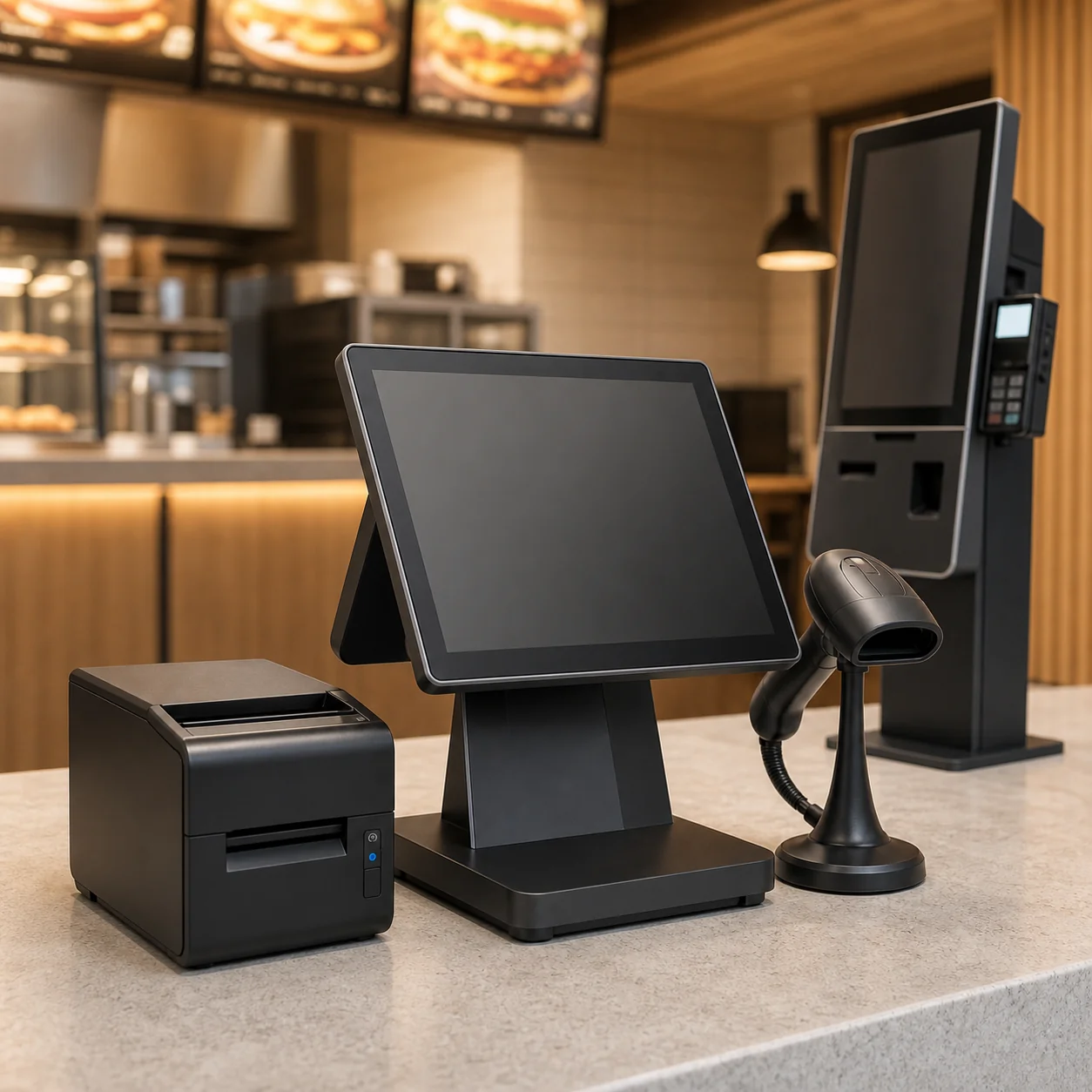
Restaurant POS Hardware
Front-counter checkout, receipt or order printing, scanning, customer display and optional self-ordering hardware.
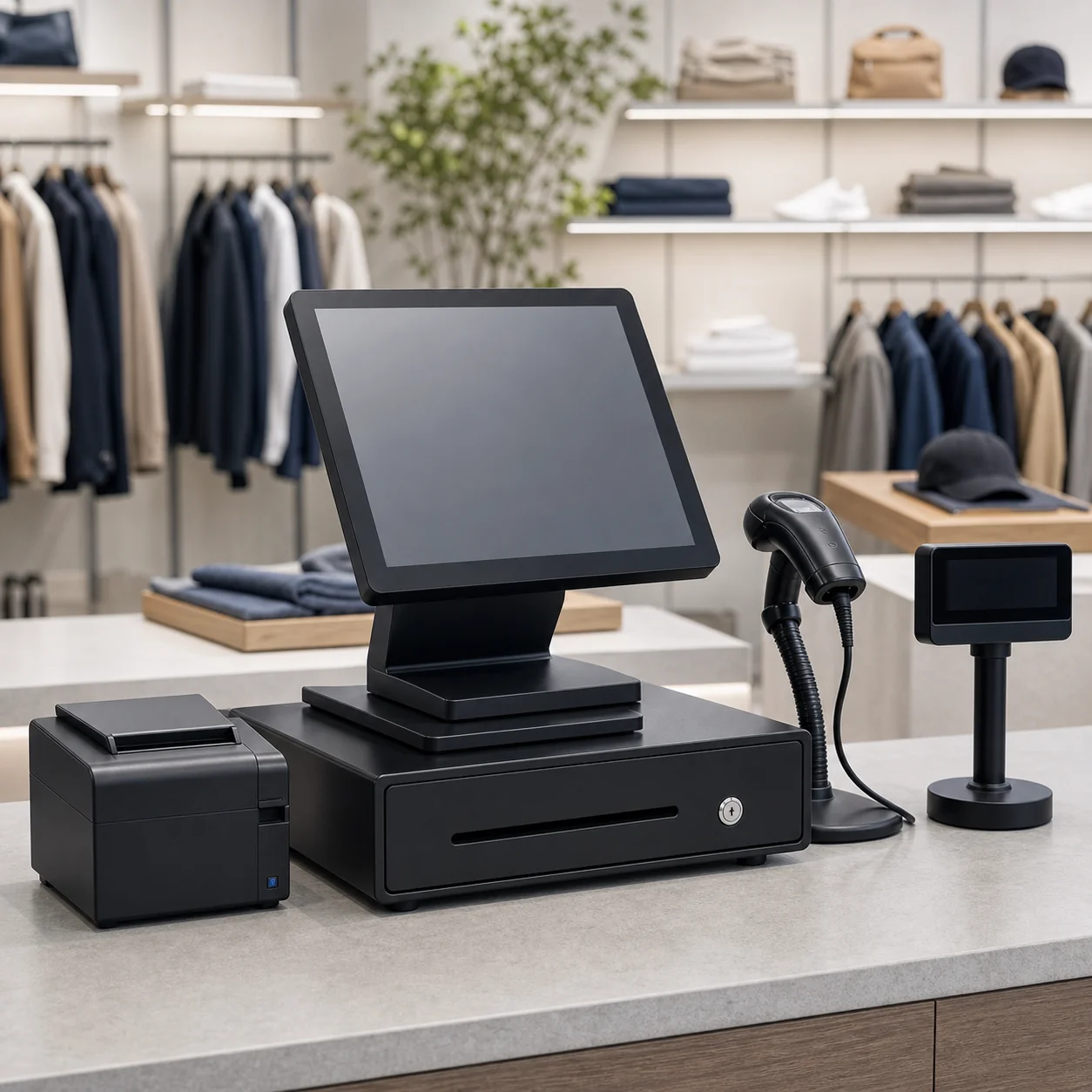
Retail POS Hardware
Standard retail checkout with POS terminal, barcode scanning, receipt printing, cash drawer and customer-facing display.
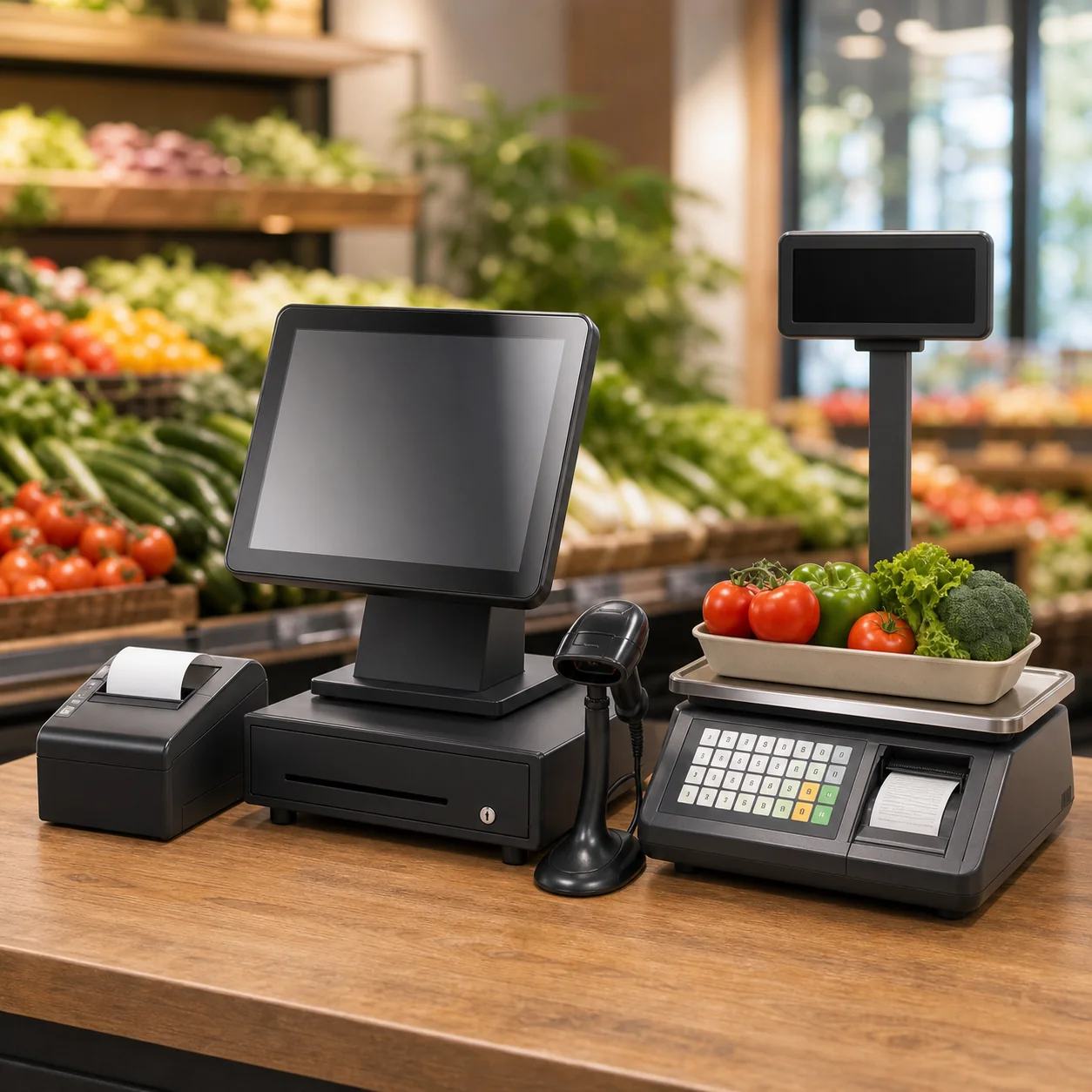
Grocery POS & Weighing Hardware
Checkout, produce and deli workflows where POS hardware, barcode scanning, weighing and label output are planned together.
Core Hardware Roles Across POS Projects
Use this guide to understand the hardware roles required by a checkout workflow, then follow the linked product page for configuration and quotation details.
| Hardware Role | What It Supports | Typical Project Use | Product Detail Page |
|---|---|---|---|
| Checkout Terminal | Cashier interface, customer display direction and connection to checkout peripherals | Restaurant counters, standard retail checkout and grocery cashier lanes | POS Terminals |
| Self-Service Hardware | Customer self-ordering or self-checkout workflow with screen, scanner and printer module direction | Quick-service restaurant ordering, retail self-checkout and selected supermarket self-service projects | Self-Checkout Kiosks |
| Weighing & Label Output | Weighted-item workflow, barcode label direction and produce or deli counter preparation | Grocery, supermarket, fresh produce and deli projects | POS & Weighing Scales |
Industry pages provide scenario detail, while product pages provide product-level configuration. The summary below shows why the same device category is reviewed differently across restaurant, retail and grocery projects.
How Hardware Combinations Change by Industry
Restaurant Checkout Hardware
The combination often prioritizes fast front-counter use, receipt or order printing, customer display and optional self-ordering. Kitchen workflow and local POS software remain outside this hardware guide.
Standard Retail Checkout Hardware
The combination centers on item scanning, a cashier terminal, receipt printing, cash drawer trigger and customer-facing display within the available counter space.
Grocery & Weighing Hardware
The combination adds produce or deli weighing and label workflow to normal checkout, so weighted-item tasks must be separated clearly from ordinary barcode scanning.
How to Choose POS Hardware by Project Requirement
Use the project requirement as the starting point. When the requirement becomes product-specific, follow the linked product or industry page for configuration and quotation details instead of expanding the same specification on this Solutions page.
| Project Requirement | Hardware Combination Direction | Why It Matters | Next Review Page |
|---|---|---|---|
| Compact Checkout Counter | POS terminal plus receipt printing, scanning and cash drawer connection selected around counter space and workflow | The device footprint and peripheral layout affect daily cashier use before any detailed system choice is made | POS Terminals |
| Customer Self-Service | Self-service screen and enclosure direction with appropriate scanner and printer module requirements | Restaurant ordering and retail checkout use a similar hardware category but have different workflow and enclosure needs | Self-Checkout Kiosks |
| Produce or Deli Workflow | Checkout hardware plus weighing and label-output direction for weighted items | A grocery project must distinguish normal item checkout from weight, label and product-code workflow | Grocery POS & Weighing Hardware |
| Defined Operating System Need | Choose Android or Windows only after the buyer defines the software environment and peripheral requirements | Operating system detail belongs on product pages and must not be assumed from the industry alone | Android POS / Windows POS |
What to Confirm Before Hardware Options or a Sample
Clear project inputs make a hardware combination easier to review before you request options, a quotation or a sample. These points describe the project without claiming software, payment or local compliance approval.
Checkout Workflow
State the industry scenario, counter process and whether self-service or weighted items are involved.
Peripheral Requirements
List scanner, receipt printer, cash drawer, customer display and weighing hardware requirements.
System Direction
Include Android or Windows only if the buyer has a defined software environment and test responsibility.
Quantity and Destination
Include expected sample or order quantity, destination market, packaging needs and buyer-side test plan.
POS Hardware Solutions FAQ
What is included in a POS hardware solution?
A POS hardware solution is the practical combination of checkout devices for a defined workflow. It can include a POS terminal, scanner, receipt printing, cash drawer connection, customer display, self-service hardware or weighing equipment depending on the project.
How do restaurant, retail and grocery hardware combinations differ?
Restaurant projects commonly prioritize front-counter speed, receipt or order printing and optional self-ordering. Retail projects prioritize scanning and standard checkout peripherals. Grocery projects add produce or deli weighing and label workflow to ordinary checkout hardware.
Does this page provide POS software, payment processing or local installation?
No. This page is about POS hardware combinations. Software selection, payment processing, local installation, certification and buyer-side technical testing should be handled by the relevant specialist or local party.
Where should we compare operating system details?
Start with POS Terminals for the general selection path. Review Android POS Terminals or Windows POS Terminals after the buyer has defined the software environment and peripheral requirements.
What should we prepare before requesting options or a sample?
Include the industry scenario, checkout workflow, hardware direction, required peripherals, operating-system direction if known, expected quantity, destination market and buyer-side software test plan.
Tell Us Your POS Hardware Project Direction
Share the project type, checkout workflow, required hardware, expected quantity and destination market. We will help identify the relevant industry and product direction before a configuration or quotation discussion. Once the direction is clear, continue to Hardware Options for the next purchasing step.