
Android POS Terminals for Retail and Restaurant Projects
Compare Android POS terminals and Android touchscreen POS hardware for retail counters, restaurant front desks, compact checkout stations and software deployment projects. Review Android version, processor, memory, GMS requirement, ports, printer options and sample confirmation points for the selected Android POS terminal. Send the required configuration, quantity and destination market to compare suitable Android POS options and request a sample or quotation.
Android 11 / 14 Options
Review Android version, firmware baseline and project availability
Rockchip POS Platforms
Compare RK3566, RK3568 and RK3576 hardware directions
Printer & Scanner Review
Confirm receipt printer, scanner input and peripheral behavior
Samples & Small Batches
Start with a practical sample unit or pilot order quantity
Compare Android POS Terminal Options
Android POS terminals are not all the same. Some projects need a premium dual-screen Android POS terminal, while others need a practical standard Android POS machine with a receipt printer, scanner platform or customer display option. If you are still deciding between Android and Windows POS platforms, compare POS terminal platforms before locking the operating system.
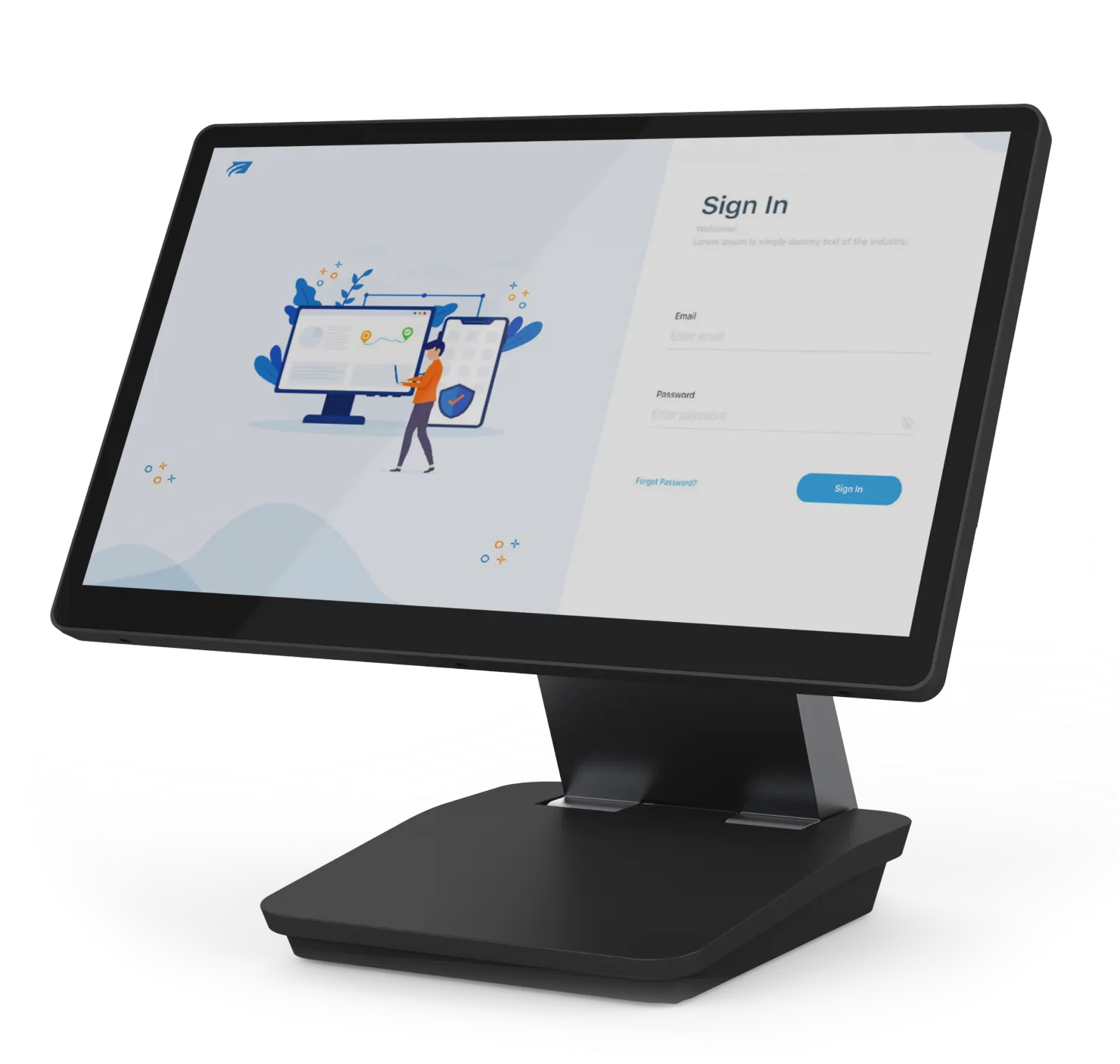
Premium Android POS Terminals
Premium Android POS terminals are suitable for retail and restaurant projects that need a cleaner appearance, stronger processor options, dual-display layouts and longer-term hardware expansion.
Typical Android configurations may include Android 11 or Android 14, Rockchip RK3568 or RK3576 platforms, 4–16GB RAM, 64–256GB storage and 15 or 15.6-inch touchscreen display options.
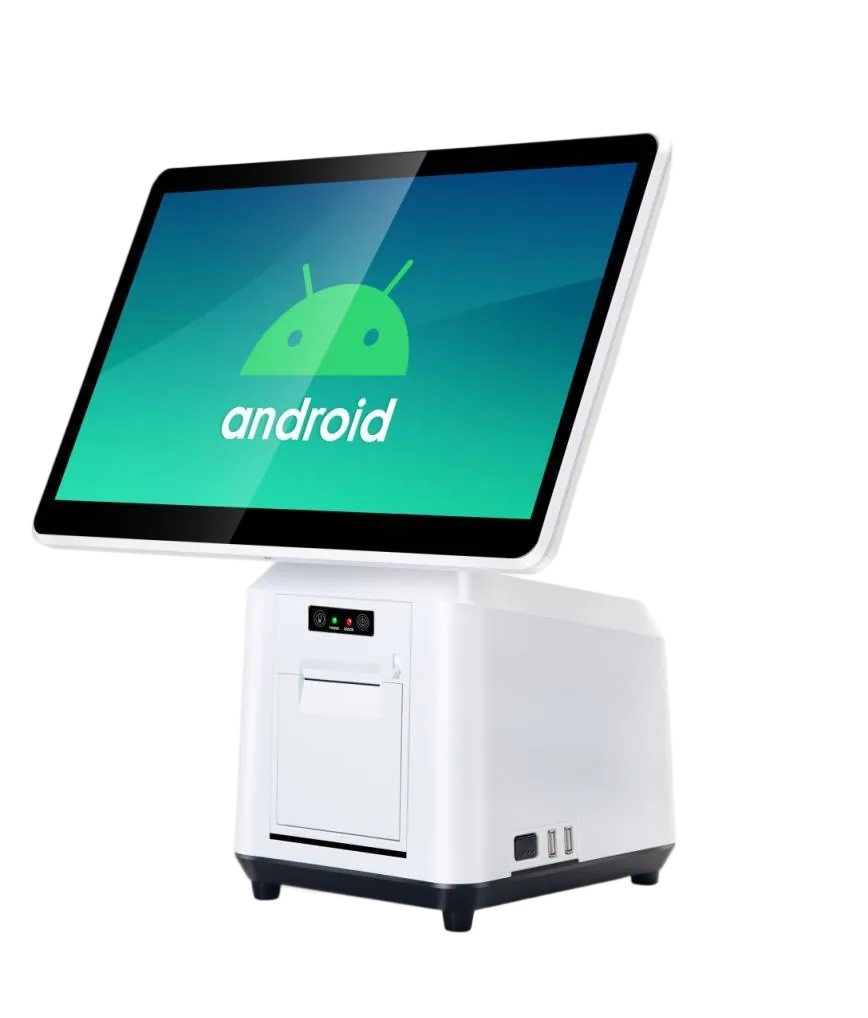
Standard Android POS Terminals
Standard Android POS terminals are suitable for practical checkout counters, restaurant front desks and batch deployment projects where stable hardware, flexible display options and cost control matter more than premium appearance.
Typical Android configurations may include Android 11, RK3566 or RK3568 processors, 2GB or 4GB RAM, 32GB or 64GB storage, 15.6-inch touchscreen display and optional customer display, printer or scanner modules.
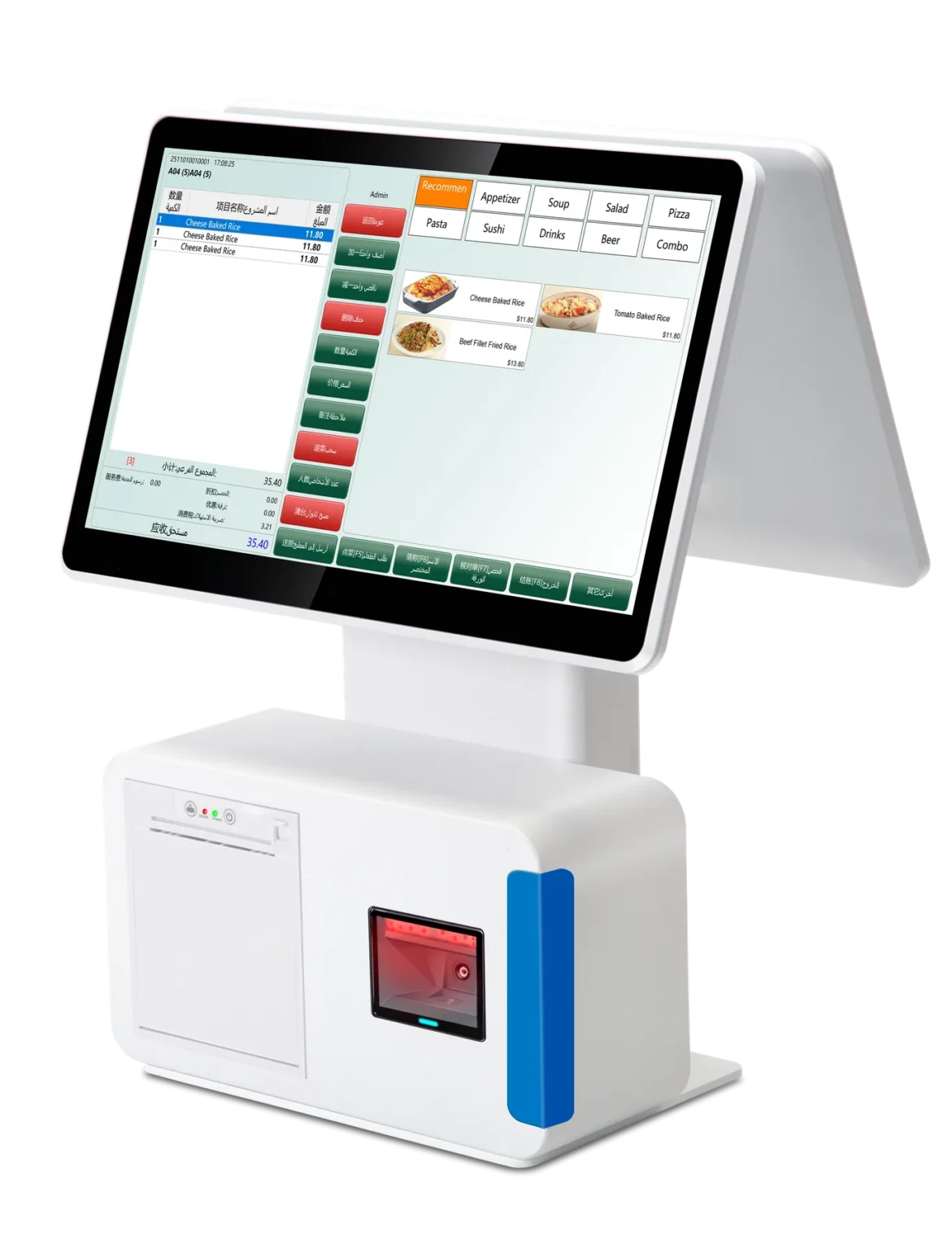
Android POS Terminals with Built-In Printer
An Android POS terminal with thermal printer can suit compact checkout counters, restaurant front desks or projects that need fewer external devices on the counter.
Printer structure, paper loading direction, cutter availability, driver or SDK behavior and spare-part support should be confirmed on the selected model before sample approval.
Android POS Platform Configuration Range
The following Android POS platform range helps compare common options before requesting a sample. Final availability depends on the selected model, motherboard, display structure, peripheral modules, order quantity and supplier confirmation.
| Configuration | Premium Android POS Terminal | Standard Android POS Terminal |
|---|---|---|
| Android Version |
Android 11
Android 14
|
Android 11
Project-dependent firmware
|
| Processor | Rockchip RK3568 or RK3576 platform options for stronger performance and longer-term expansion. | RK3566 or RK3568 platform options for practical checkout and batch deployment projects. |
| Memory & Storage | 4GB, 8GB or 16GB RAM with 64GB, 128GB or 256GB storage options. | 2GB or 4GB RAM with 32GB or 64GB storage options. |
| Display | 15 or 15.6-inch main touchscreen with 9.7, 10.1, 15 or 15.6-inch customer display options. | 15.6-inch main touchscreen with LED numeric, 11.6-inch or 15.6-inch customer display options. |
| Printer & Modules | Printer, customer display and powered USB options depend on the selected model and motherboard. | No printer or built-in 58mm receipt printer; scanner platform, scanner payment box and cash-drawer options may be available. |
| Project Fit | Retail and restaurant projects that need better appearance, stronger configuration and dual-display presentation. | Standard checkout, restaurant front desk and pilot or batch deployment projects with practical cost control. |
What to Confirm Before Requesting an Android POS Terminal Sample or Quotation
Before requesting an Android POS terminal sample, confirm the software environment, hardware platform and peripheral requirements. This helps avoid receiving a device that looks suitable but cannot match your app or deployment workflow.
Android Version
Confirm whether the project needs Android 11, Android 14 or a supplier-specific firmware baseline.
CPU, RAM & Storage
Confirm the required Rockchip platform, memory and storage based on your POS app workload.
GMS Requirement
Confirm whether Google Mobile Services, Play Store access or Google service availability is required.
Printer & Scanner
Confirm printer structure, scanner input mode, SDK behavior and whether external or built-in modules are needed.
ADB, Root & Kiosk Mode
Confirm ADB access, root policy, navigation bar behavior, status bar control and kiosk-mode requirements.
Sample Proof
Confirm what photos, videos, settings screenshots or basic APK launch checks are needed before approval.
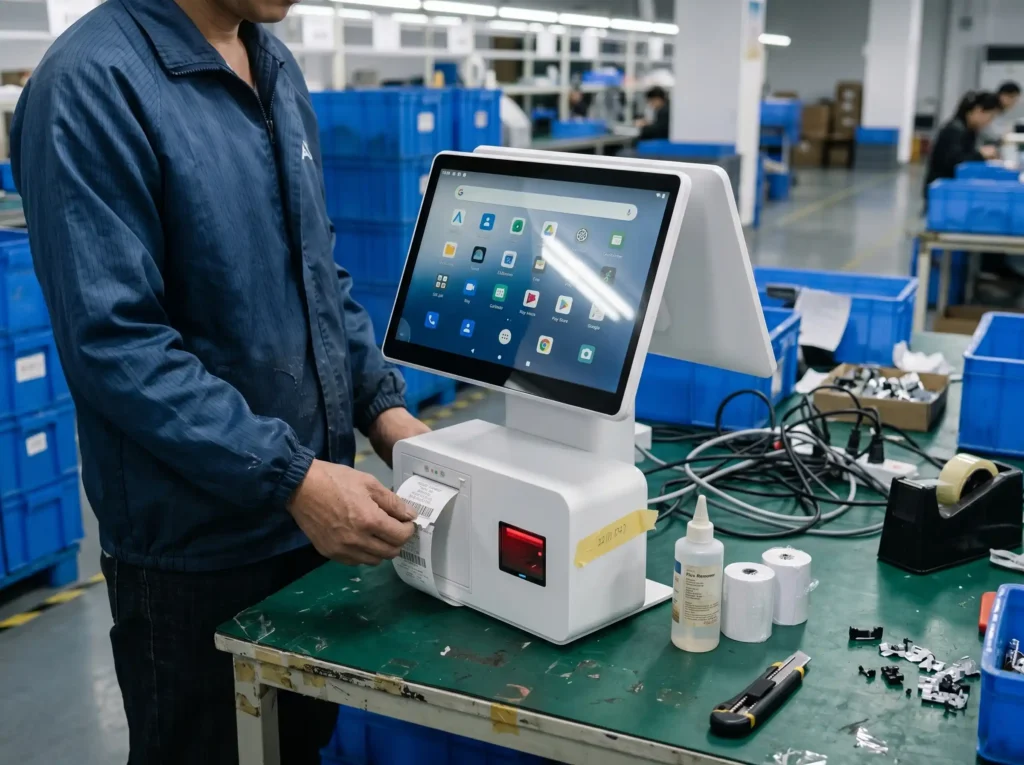
Android POS Hardware Checked Before Platform Selection
For Android POS projects, the device should not be selected by appearance alone. Before comparing platform specifications, it is useful to review the actual hardware structure, printer behavior, peripheral connection and Android system environment on a real sample or supplier-provided unit.
Android System and Peripheral Points to Review
Android POS terminal projects often depend on firmware details, permissions and peripheral behavior. Use the points below as a practical checklist before confirming samples or small-batch orders. If the software depends on Windows drivers or a Windows-based POS application, compare Windows POS terminal options before choosing Android.
| Review Point | What to Confirm | Common Project Use |
|---|---|---|
| Android Version | Installed Android version, firmware baseline, build number and whether the sample matches the confirmed configuration. |
Android 11
Android 14
Firmware check
|
| GMS | Google Mobile Services availability, Play Store access and whether the project can work without GMS if required. |
Play Store
Google services
APK deployment
|
| Access Policy | ADB option, root policy, navigation bar setting, status bar control and kiosk-mode behavior. |
ADB
Root option
Kiosk mode
|
| Printer | Built-in or external printer, paper width, cutter, SDK command, driver behavior and spare-part support. |
58mm printer
Receipt
SDK
|
| Scanner | Built-in scanner, external scanner, USB input mode, barcode type and keyboard-emulation behavior. |
Barcode
USB input
Retail checkout
|
| Sample Evidence | Photos, settings screenshots, short videos, basic app launch proof or supplier confirmation documents. |
Sample review
Configuration proof
Pilot order
|
Android POS Sample Checks Before Ordering
Before approving an Android POS sample, keep the Android version, firmware baseline, GMS requirement, peripherals, settings evidence and selected configuration record aligned.
Confirm Android Environment
Check Android version, firmware baseline and GMS requirement before sample approval.
Compare Available Configurations
Compare processor, memory, storage, display and peripheral options on the selected model.
Review Sample Evidence
Review settings screenshots, APK launch evidence and printer or scanner response.
Record the Approved Sample
Keep the approved Android configuration and sample record consistent for the next step.
Best-Fit Android POS Projects
Suitable Projects
- POS resellers looking for Android POS terminals or Android touchscreen POS hardware.
- POS software teams that need Android sample hardware for app deployment review.
- Retail and restaurant technology providers comparing Android POS models from China.
- Buyers who need samples or small-batch orders before larger deployment.
Not the Best Fit
- Projects that require Tesp to develop or debug Android apps.
- Buyers looking for consumer Android tablets instead of commercial POS hardware.
- Payment certification, acquiring service or local installation requests.
- Projects that require guaranteed software compatibility without client-side technical review.
FAQ About Android POS Terminals
What Android versions can be used for POS terminals?
Common Android POS terminal options may include Android 11 and selected Android 14 configurations, depending on the hardware platform and supplier. The installed version, firmware baseline and build number should be confirmed on the selected sample.
What should I confirm before requesting an Android POS sample?
Confirm the Android version, GMS requirement, processor, memory, screen size, printer or scanner modules, required ports, sample quantity and destination market. This allows us to check suitable available configurations and sample options.
Do Android POS terminals support Google Mobile Services?
Some Android POS configurations may support GMS, while others may not include Google services by default. If your app depends on Play Store or Google services, GMS availability should be confirmed before sampling.
Can Android POS terminals include a built-in printer or scanner?
Some Android POS terminal models can include a built-in 58mm receipt printer, scanner platform, scanner payment box or customer display options. These modules are model-dependent and should be confirmed with the supplier before quotation or sample approval.
What sample proof should be requested for Android POS software review?
Request photos or videos showing the APK launch, Android settings, firmware/build information and relevant printer or scanner response on the selected sample. The buyer’s technical team should review the evidence and make the final application compatibility decision.
What information should I send for an Android POS quotation?
Please send the target country, expected quantity, Android version, app deployment method, GMS requirement, processor or memory requirement, screen size, printer, scanner, customer display, cash drawer and any sample checklist you already have.
Request Android POS Terminal Options
Send the target Android version, app environment, GMS needs, processor, memory, display, printer, scanner, quantity and destination market to compare relevant Android POS terminal options and sample confirmation points.