
Windows POS Terminals for Retail and Restaurant Projects
Compare Windows POS terminals for retail counters, restaurant front desks, multi-display checkout stations and POS software deployment projects. Review Windows platform direction, Intel processor, memory, storage, customer display, COM ports, cash drawer connections, driver files and sample confirmation points. Send the required Windows environment, configuration, quantity and destination market to compare suitable Windows POS options and request a sample or quotation.
Windows POS Platform Options
Compare current Windows 11, standard dual-screen and built-in-printer POS directions
Intel Platform Choices
Compare N95, Core i3 and Core i5 directions by workload
Ports & Driver Review
Confirm COM, USB, RJ11, display outputs and supplier driver files
Samples & Small Batches
Confirm model details before pilot or small-batch ordering
Explore Windows POS Terminal Options
Start with the operating environment, enclosure and peripheral layout required by your checkout project. The product groups below separate current Windows 11 platforms from standard dual-screen and built-in-printer configurations. If the checkout platform is still under review, compare POS terminal platforms before locking the Windows direction.
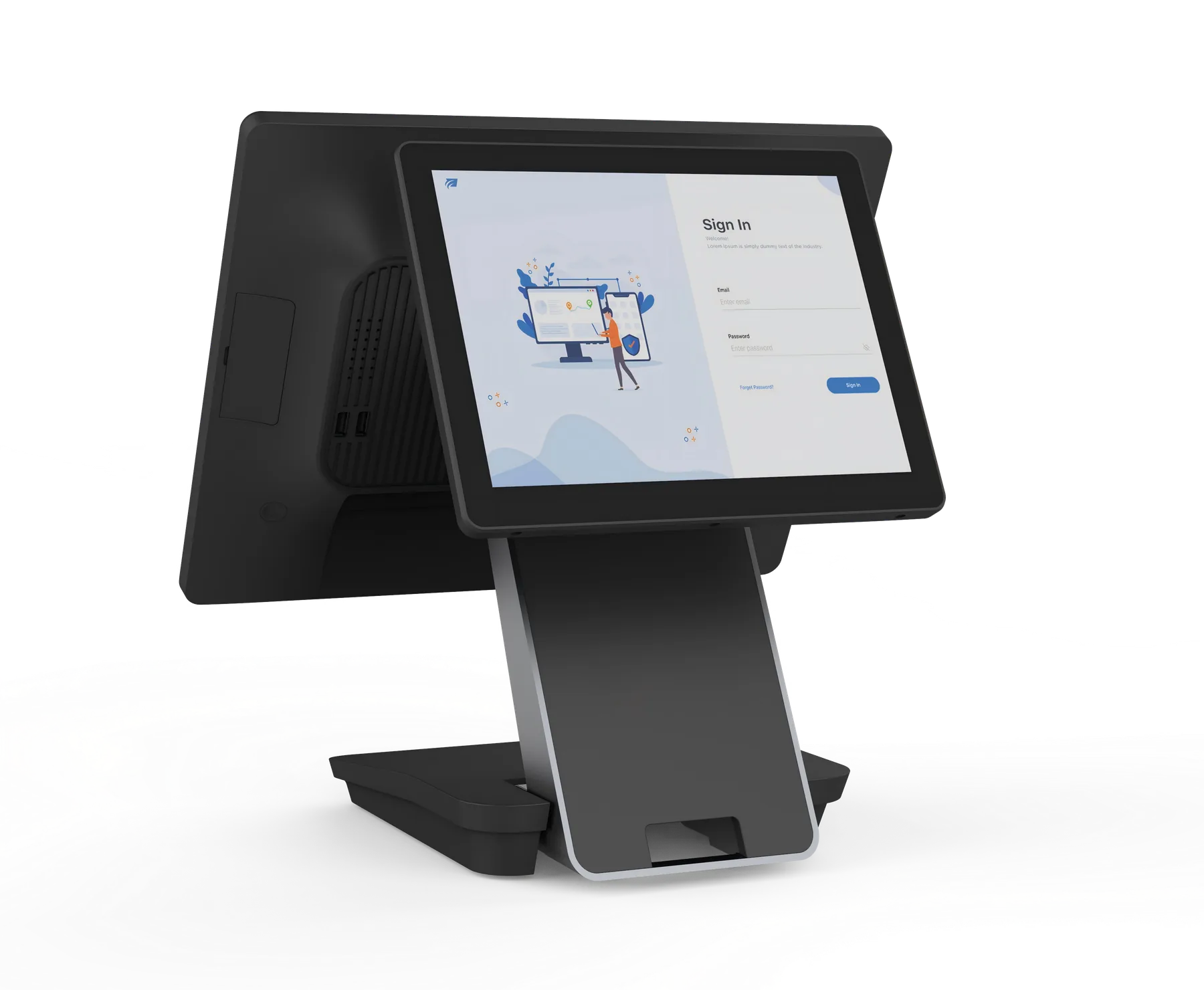
Current Windows 11 POS Terminals
S3 and S3P Windows configurations are intended for projects that prioritize Windows 11, current Intel processor choices, higher memory and storage ranges, full-HD touch displays and expandable customer-display or powered-USB options.
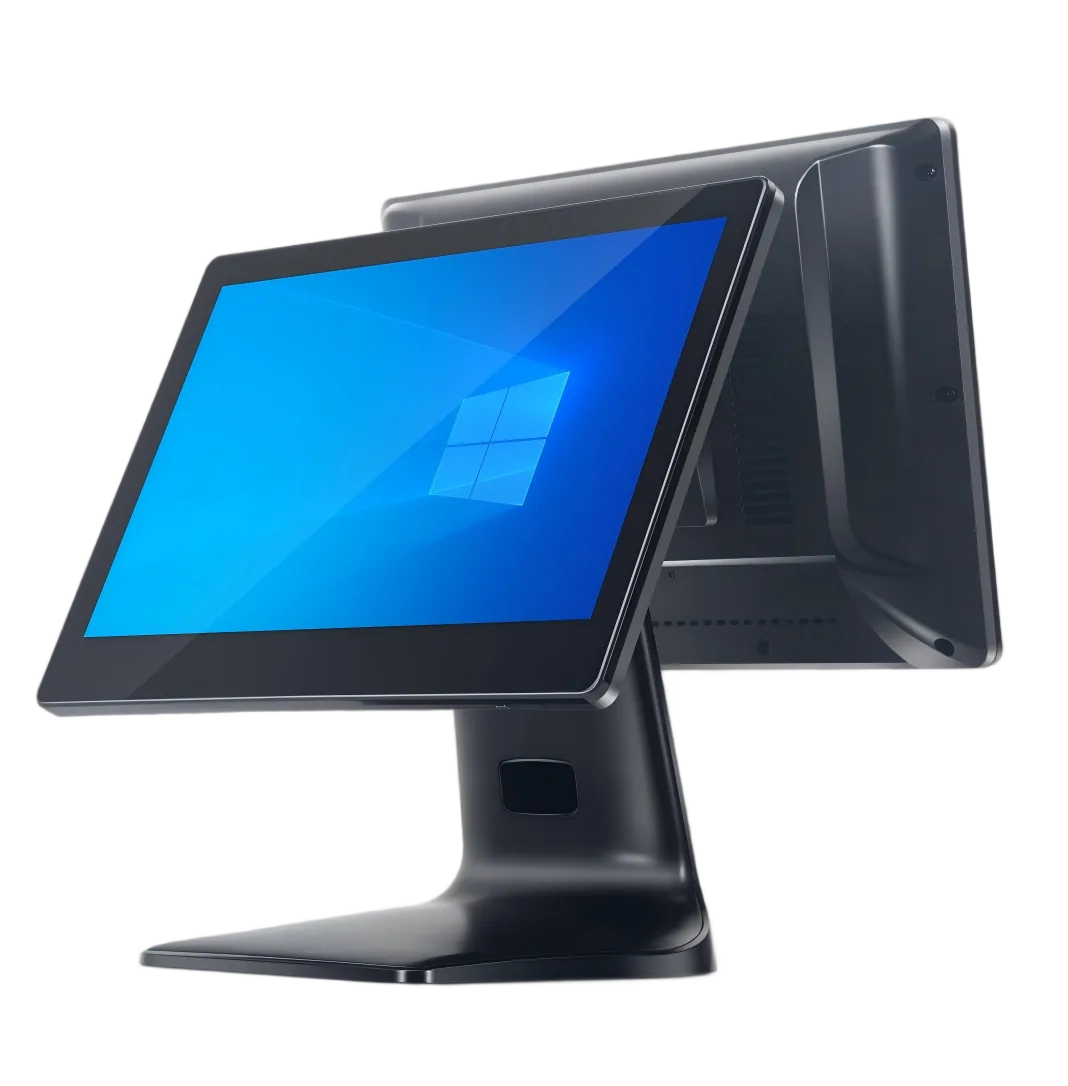
Standard Dual-Screen Windows POS Terminals
A2, N1 and A9 directions suit standard checkout counters and replacement projects that need dual displays, multiple USB and serial connections, or fixed and foldable enclosure choices. Legacy software requirements are reviewed case by case.
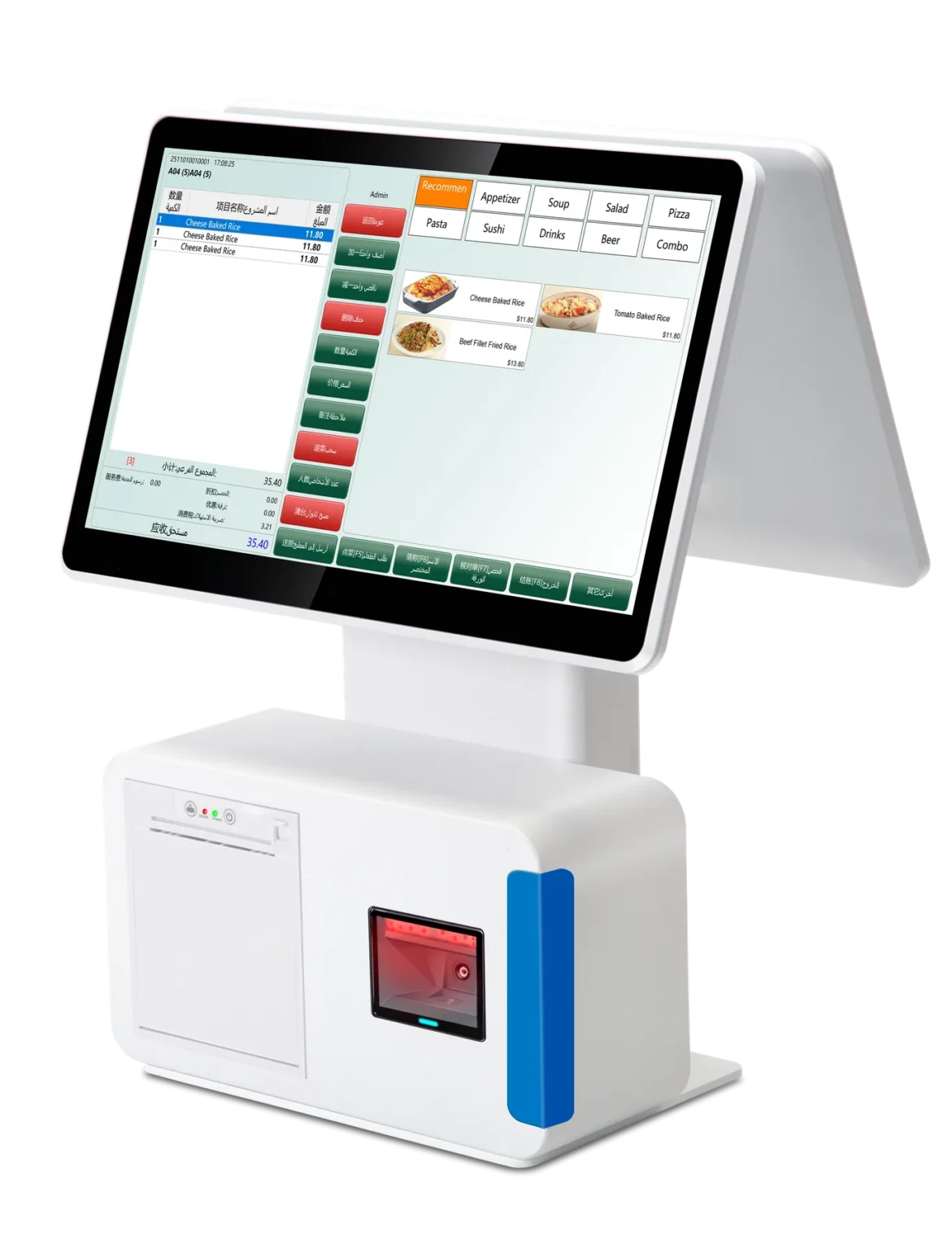
All-in-One Windows POS Terminals with Built-In Printer
F1 and N2 directions combine touchscreen checkout hardware with an integrated 58mm receipt printer. Selected configurations may also include customer displays, scanner platforms and cash drawer connections, subject to model confirmation.
Compare Windows POS Terminal Models by Platform and Project Type
Use this overview to understand the Windows POS terminal models covered on this page. S3 and S3P support current Windows 11 project directions, while A2, N1, A9, F1 and N2 cover standard dual-screen, built-in-printer, replacement and legacy software requirements.
Operating system, processor, memory, storage, display, port and peripheral details remain model- and order-dependent. Confirm the final configuration on the selected sample before moving to pilot or small-batch orders. When Android is a better fit for the deployment, review Android POS terminal options before selecting Windows.
| Model Group | Covered Models | System Direction | Typical Hardware Direction | Best-Fit Project Type |
|---|---|---|---|---|
| Current Windows 11 Platforms | S3 Windows, S3P Windows | Windows 11; Intel N95, Core i3-1215U or Core i5-1235U direction | 15-inch or 15.6-inch full-HD touchscreen; optional customer display; higher memory and M.2 storage directions | New Windows POS deployments, modern Intel platform requirements and dual-display checkout projects |
| Standard Dual-Screen Windows POS | A2, N1, A9 | Windows 7 / 10 legacy software direction, subject to availability and project review | Dual-screen checkout structure, multiple USB / serial interfaces, fixed or foldable enclosure choices | Existing Windows software, replacement devices, cost-sensitive rollouts and standard checkout counters |
| All-in-One Windows POS with Printer | F1, N2 | Windows 7 / 10 legacy software direction, subject to availability and project review | Dual 15.6-inch display direction, built-in 58mm receipt printer, optional scanner platform or RJ11 cash drawer direction | Receipt-printing checkout counters, compact front-desk POS and replacement projects with printer integration |
Standard Windows POS Models for Existing Software and Replacement Projects
These Windows POS models provide dual-screen, built-in-printer, cash drawer and flexible enclosure directions for existing software environments, replacement projects or cost-sensitive deployments. Legacy operating systems and older motherboard platforms are considered only when specifically required, subject to current availability and the client’s security, licensing and compatibility review.
| Model | Typical Project Direction | Memory & Storage | Display & Structure | Printer & Ports |
|---|---|---|---|---|
| A2 | Existing Windows software or replacement project; legacy platform on request | Typical 8GB / 128GB direction | 15.6-inch main display; 11.6-inch or 15.6-inch customer display direction | Multiple USB and serial interface direction |
| N1 | Existing Windows software and large dual-screen checkout direction | Typical 8GB / 128GB direction | Large dual-screen checkout layout | Multiple peripheral interfaces, subject to model confirmation |
| F1 | All-in-one Windows POS for receipt-printing checkout | Typical 4GB or 8GB memory; 128GB storage direction | Dual 15.6-inch display direction; scanner platform option | Built-in 58mm receipt printer direction |
| N2 | All-in-one Windows POS for standard checkout and cash drawer connection | Typical 4GB or 8GB memory; 64GB to 512GB storage direction | Dual 15.6-inch display direction | Built-in 58mm receipt printer and RJ11 direction |
| A9 | Standard Windows POS for fixed or adjustable checkout layouts | Typical 4GB or 8GB memory; 64GB to 512GB storage direction | Dual 15.6-inch direction; fixed or foldable structure | Ports depend on the selected motherboard and enclosure |
What to Confirm Before Requesting a Windows POS Terminal Sample or Quotation
A Windows POS terminal sample should be selected around the software baseline, processor workload, display layout and connected peripherals. Confirm the points below before quotation or sample approval.
Windows Environment
Confirm the required edition, language, activation responsibility and update baseline
CPU, RAM & Storage
Match the processor, memory and storage direction to the POS workload
Main & Customer Displays
Confirm screen size, touch type, resolution and extended-display mode
COM, USB & RJ11 Ports
Confirm physical ports, powered-port needs and cash drawer connection
Drivers & Utilities
Confirm supplier driver files, touchscreen tools and peripheral packages
Sample Evidence
Confirm required photos, screenshots, videos and basic peripheral checks
Windows System and Peripheral Points to Review
Windows POS projects often depend on driver packages, port mapping, BIOS behavior and display settings. Use this checklist to organize requirements before confirming a sample or small-batch order.
| Review Point | What to Confirm | Typical Evidence |
|---|---|---|
| Windows Setup | Edition, language, activation responsibility, build information and update policy for the selected sample. | System screenshot, supplier note or client checklist |
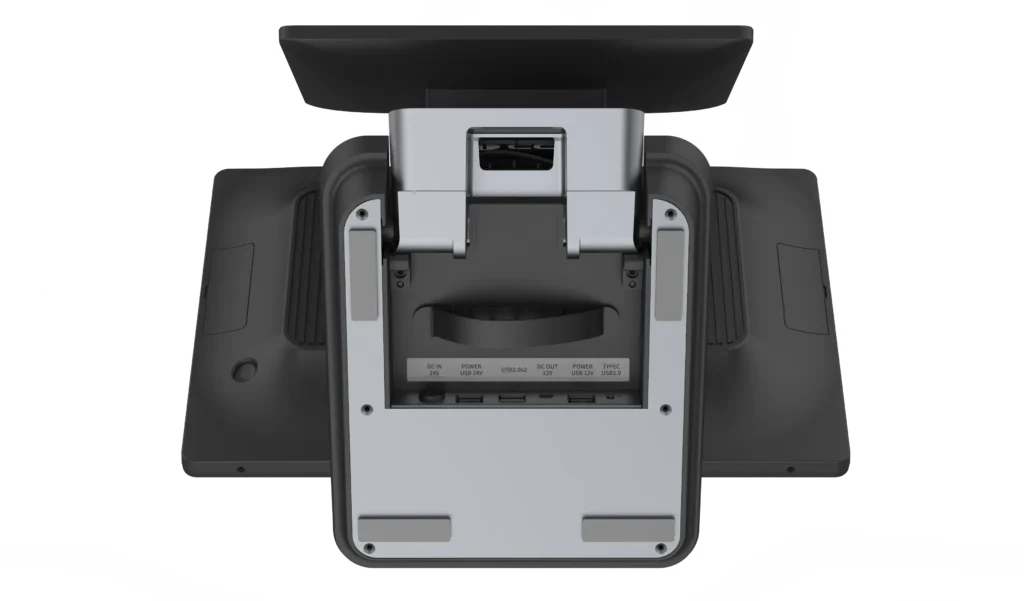
| COM / RS232 | Physical port count, COM mapping, connector labels and whether 5V / 12V powered serial is required. | Port photo, BIOS note or motherboard specification |
| Cash Drawer | RJ11 availability, drawer voltage requirement and whether the connection is controlled through the printer or POS terminal. | Rear I/O photo and connection note |
| Drivers | Chipset, touchscreen, printer, scanner and supplier-provided OPOS / JPOS or utility files where applicable. | Driver folder list, download link or supplier confirmation |
| Display Setup | Main-screen resolution, customer-display resolution, duplicate or extended mode and touch assignment. | Windows display settings photo or short video |
| BIOS & Power | Restore after AC power loss, auto power-on, boot sequence and other unattended deployment requirements. | BIOS photo, startup video or supplier note |
Tesp is not a Windows software developer, licensing provider or certification laboratory. Our role is to help overseas buyers communicate with Chinese POS hardware suppliers, compare available Windows POS terminal models and confirm practical sample details before pilot or small-batch orders.
Windows POS Sample Checks Before Ordering
Confirm Windows Environment
Check the required Windows edition, update baseline and software environment.
Compare Product Directions
Compare current Windows 11, standard dual-screen and built-in-printer product directions.
Review Ports and Driver Files
Review COM / RS232, USB, RJ11, display output and available driver or utility files.
Record the Approved Sample
Keep the selected Windows configuration, port layout and sample record consistent.
FAQ About Windows POS Terminals
What Windows POS terminal options are available for new projects?
For new projects, start with current Windows 11 POS terminal directions such as S3 and S3P, then confirm the Intel processor, memory, storage, display and interface requirements. Final operating system editions and configurations depend on the selected model and supplier availability.
What should I confirm before requesting a Windows POS sample?
Confirm the Windows environment, processor, memory, storage, screen layout, printer or scanner requirements, COM or USB ports, sample quantity and destination market. This allows us to check suitable available configurations and sample options.
Can a Windows POS machine include a built-in printer and cash drawer port?
Selected all-in-one Windows POS terminal models can include a built-in 58mm receipt printer, and some configurations provide an RJ11 cash drawer connection. Confirm the printer mechanism, driver, drawer voltage, connection route and rear I/O layout for the selected sample.
What Windows ports and driver files should be checked before sample approval?
Check the visible COM / RS232, USB, RJ11 and display-output layout, any powered-port requirement, and available driver or utility files for the selected configuration. The buyer’s technical team should make the final software and peripheral compatibility decision.
Can older Windows environments be considered for replacement projects?
Selected legacy Windows environments may be reviewed when required by an existing software baseline or replacement project, subject to current hardware availability. The client must review operating system support, security, licensing, updates, drivers and local compliance before approval.
What information should I send for a Windows POS quotation?
Please send the destination country, expected quantity, Windows environment, POS software baseline, processor or performance requirement, memory, storage, screen layout, printer, scanner, cash drawer, COM / USB needs and any sample checklist already used by your technical team.
Request Windows POS Terminal Options
Send the target Windows environment, processor, memory, storage, display layout, printer, scanner, cash drawer, COM / USB needs, quantity and destination market to compare relevant Windows POS terminal options and sample confirmation points.