
A small POS hardware pilot order can go quiet after the quote is approved.
The risk is usually not one big mistake. It is several small updates arriving late.
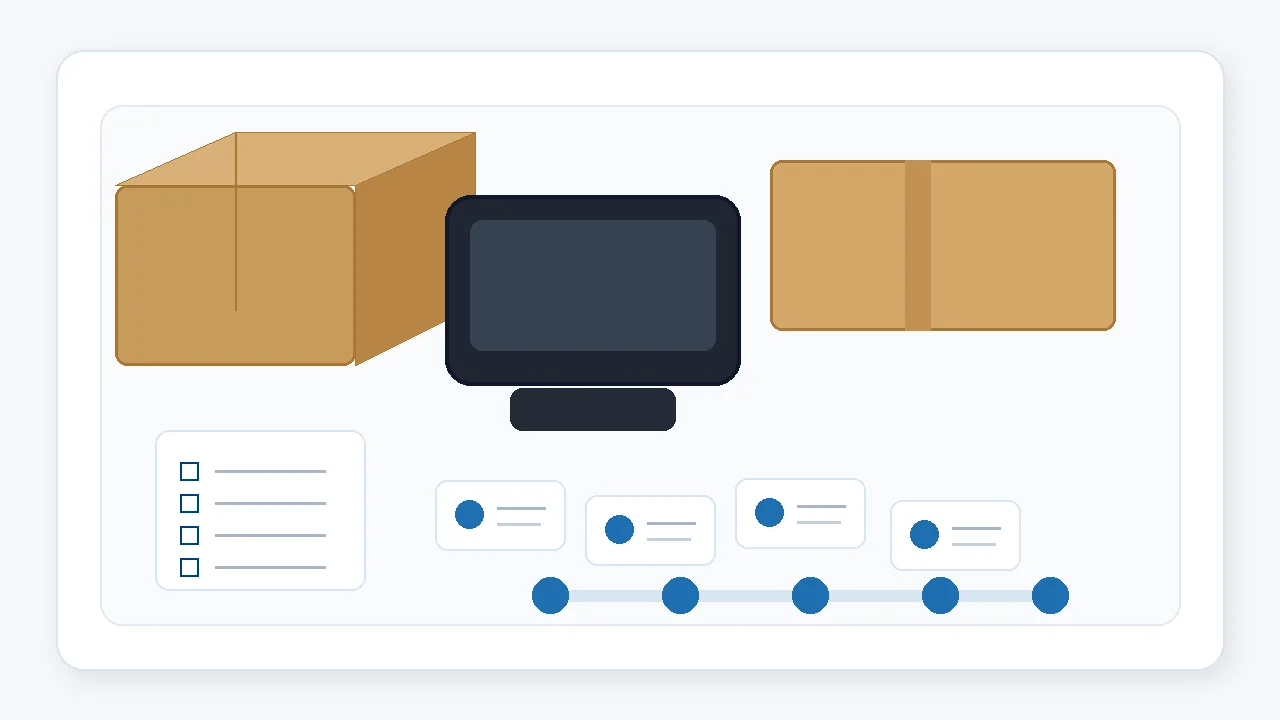
For an overseas POS software team, a pilot order is not just a small purchase. It is often the first real bridge between software testing, local installation habits, counter space, peripheral use, and supplier execution.
Because the quantity is small, the order can look simple. In practice, it still touches many details: configuration, accessories, labels, power plugs, packaging, sample photos, shipment timing, and communication between the supplier’s sales, warehouse, and production contacts.
Where small pilot orders usually lose rhythm
- The confirmed configuration is stored in a chat message, not in a shared order sheet.
- The sample details change, but the packing checklist is not updated.
- Accessory quantities are assumed, not counted.
- Photos are requested only after the carton is already sealed.
- Shipping information is collected late, so the buyer cannot plan the next step.
Why a follow-up rhythm matters
A small batch may not receive the same internal attention as a large production order. It may move through several hands: sales confirmation, component preparation, assembly, packing, warehouse, and shipping. If nobody keeps the sequence visible, the buyer only sees silence between messages.
This is why a POS hardware pilot order follow-up plan should be simple, written, and tied to real checkpoints. It does not need to be complicated. It just needs to prevent small details from disappearing.
A practical follow-up rhythm
1. Before the supplier starts preparing units
Confirm the order sheet in one place. The sheet should include model, quantity, CPU, RAM, storage, OS version, screen size, port needs, accessories, plug type, and any label or packaging request.
This prevents the supplier from relying on scattered chat history.
2. Before assembly or final preparation
Ask the supplier to confirm whether any part of the configuration has changed from the earlier sample or quotation. This is especially useful when the pilot order follows a sample test.
- Mainboard or I/O board version
- Printer or scanner option
- Power adapter and plug
- Packaging and accessory list
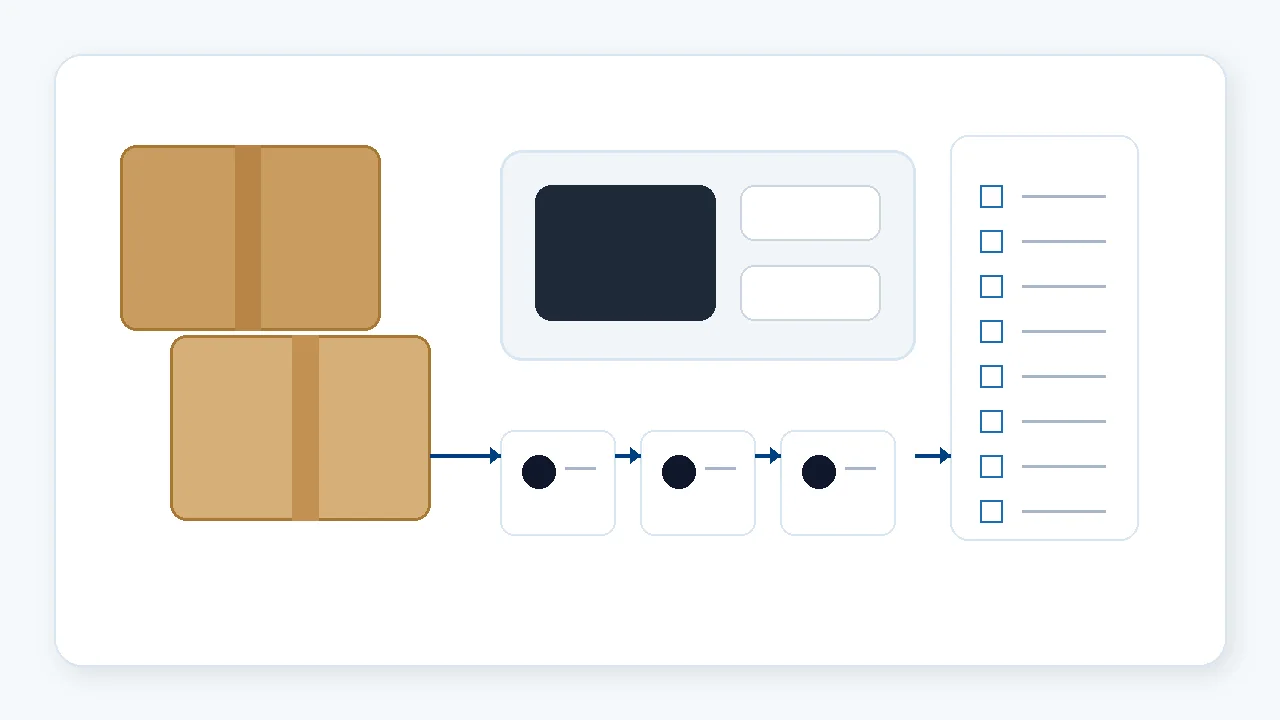
3. Before packing
This is the best point to request basic photos. The buyer can ask for photos of the unit, ports, accessories, labels, carton, and packing layout before the carton is closed.
The purpose is not to create paperwork. It is to catch obvious mismatches while the supplier can still adjust.
4. Before shipment booking
Confirm carton quantity, gross weight, dimensions, shipping marks, delivery address, and whether the buyer needs any simple document information for internal tracking.
For small pilot batches, these details are often delayed because everyone assumes the order is easy.
5. After shipment
Keep one short issue log. If anything is unclear after arrival, record the model, photo, serial number if available, and the exact question. This makes the next supplier conversation more efficient.
A simple request format
A pilot order follow-up request can be written like this:
- Final configuration sheet confirmed before preparation
- Accessory list confirmed before packing
- Photo points: front, rear ports, accessories, label, carton
- Target packing update date
- Carton size and weight before shipment
- One contact window for follow-up questions
This gives the supplier a clear working list and gives the buyer a record that can be reused for the next small batch.
Where Tesp fits in
Tesp’s role is practical follow-up from Qingdao and nearby supplier areas. For overseas POS software companies, ISVs, system integrators, and solution providers, that may include collecting sample details, following supplier updates, arranging basic photo checks, and keeping small-batch order information from becoming scattered.
This connects naturally with Tesp’s POS hardware sourcing and project follow-up support, OEM and custom POS hardware coordination, and POS terminal sourcing support.
Small-batch POS hardware follow-up from China
If you are preparing a pilot order, a clear follow-up rhythm can make the difference between a quiet order and a visible project.
FAQ
What is a POS hardware pilot order?
A pilot order is a small batch used to test hardware configuration, software setup, local installation, and supplier communication before a larger purchase.
Why do small POS hardware orders still need follow-up?
Small orders can still involve configuration, ports, accessories, labels, packing, and shipment details. Without a simple follow-up rhythm, these details can be confirmed too late.
What should be checked before packing a pilot order?
Useful checks include the final configuration, accessories, power plug, port photos, label details, carton packing, and basic shipment information.
Can Tesp help follow up small POS hardware batches?
Tesp can help overseas POS software teams coordinate supplier communication, sample details, small-batch updates, and practical pre-shipment photo requests where appropriate.