
Windows POS Hardware, Checked Against Your Deployment Requirements
Tesp helps POS software teams source Windows retail hardware from China and check practical configuration details such as OS version, driver availability, COM port mapping, touchscreen behavior, peripheral response, and supplier-provided documentation before shipment.
Practical Windows Hardware Checks Before Shipment
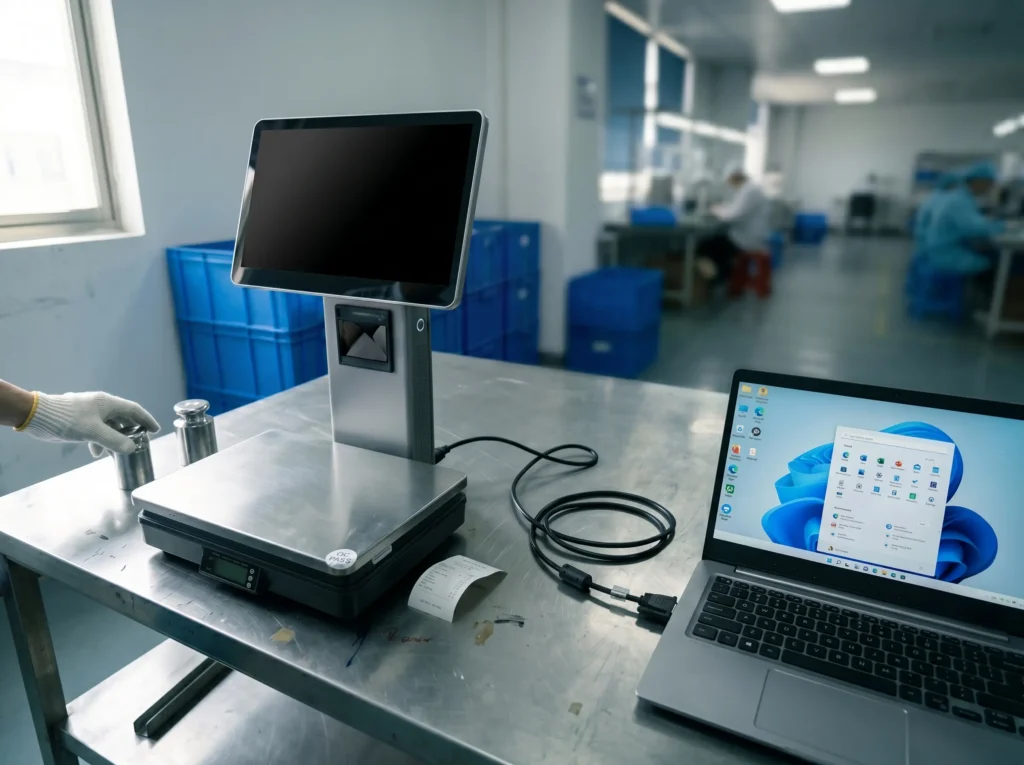
OS & Driver Review
Tesp checks Windows 10 / 11 configuration details, language pack options, and supplier-provided driver availability for the selected POS hardware where practical.
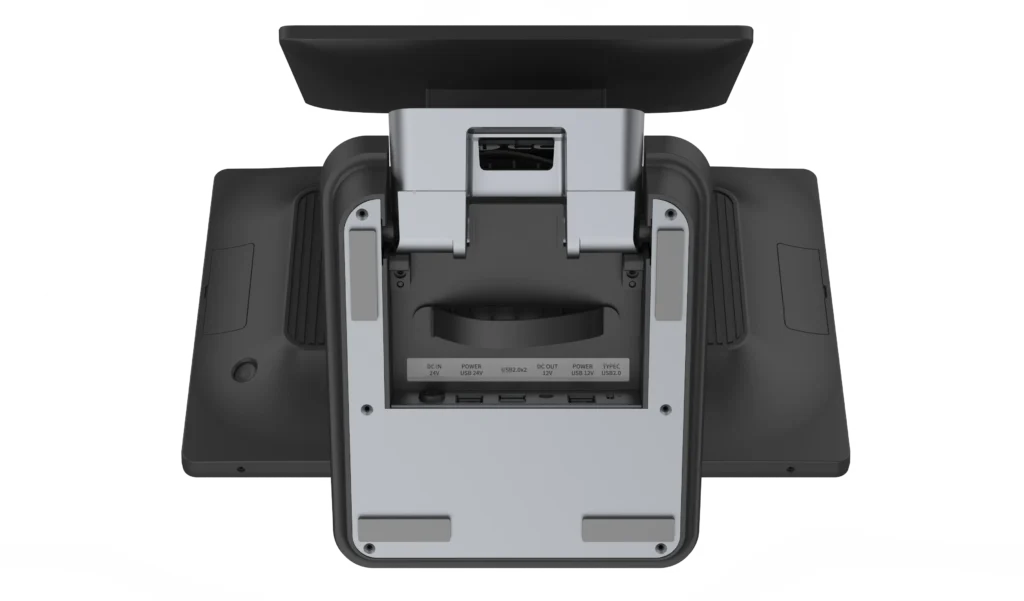
I/O & COM Port Mapping
RS232, USB-HID, RJ11 cash drawer, and other interface details can be reviewed against the physical port layout and supplier configuration notes before shipment.
Aging Line & Basic Stability Review
Where available, Tesp can monitor supplier-side aging test status or basic power-on behavior to identify visible boot, display, or thermal issues before final packing.
Our Windows Pre-Shipment Inspection
| Verification Category | The Tesp Checkpoint | Action |
|---|---|---|
| OS Environment | Check Windows 10 / 11 version, language pack, activation status, and supplier-confirmed OS configuration where available. | System Screenshot OS Version Review Supplier Confirmation |
| Port Mapping | Review physical RS232 / USB / RJ11 interfaces and compare visible port layout with supplier configuration notes. | COM Port Check Physical Port Photo Peripheral Route Review |
| Driver Availability | Check whether supplier-provided drivers, OPOS / JPOS packages, or utility files are available for the selected configuration. | Driver Package Review Utility File Collection Factory Feedback |
| Touchscreen Behavior | Review basic PCAP touch response, calibration behavior, and multi-touch operation where practical. | Touch Response Video Calibration Review Display Check |
| Thermal Behavior | Observe supplier-side aging line status or basic power-on behavior to identify visible boot, fanless cooling, or display issues. | Aging Line Note Power-On Review Issue Photo |
Common Windows POS Hardware Platforms We Help Review
Tesp reviews Windows POS hardware based on practical deployment requirements such as CPU platform, driver package, port layout, cooling method, touchscreen setup, and supplier support. The goal is to match your software baseline with a realistic hardware configuration before shipment.
- Intel J1900 / J6412: Stable baseline options for cost-sensitive POS applications, basic checkout workflows, and lightweight Windows retail software.
- Intel Core i3 / i5: Higher-performance options for more demanding POS workloads, database-heavy environments, multi-display setups, or integrated peripheral workflows.
- Driver Verification: Tesp can help check supplier-provided OPOS / JPOS driver packages, chipset drivers, touchscreen utilities, and peripheral setup files where available.
Windows Sourcing FAQs
Q1: Can you check if the hardware has specific Windows 10 IoT LTSC builds installed?
Yes. Tesp can communicate your preferred OS build requirement to the supplier and check the visible Windows system information on the sample unit where practical. Photos or screenshots can be shared for your review.
Q2: We use legacy RS232 peripherals. How do you verify the physical port power?
Tesp can check the physical COM port layout and ask the supplier to confirm 5V / 12V settings or BIOS-related options for the selected model. Where practical, we document port labels, supplier notes, and relevant hardware configuration details.
Q3: Can you check the default BIOS boot settings for unattended deployment?
Yes. If you need settings such as Restore on AC Power Loss, auto power-on, or boot sequence behavior, Tesp can ask the supplier to configure them and visually check the relevant BIOS or startup behavior on the sample unit where practical.
Q4: How do you verify the secondary customer display resolution in Windows?
If your selected configuration includes a secondary display, Tesp can open Windows display settings, check the visible resolution and display mode, and share photos or video so your team can review whether it matches the expected setup.
Validate Your Windows POS Configuration
Tell us your Windows OS requirement, driver needs, COM port layout, peripherals, screen setup, and test script if available. Tesp will review the requirements and suggest a practical Windows hardware validation plan.