
Tesp | POS Hardware Sourcing Partner

POS Hardware Compatibility Checks, Coordinated Locally in China

Tesp does not integrate or rewrite your software. We help POS software teams check whether sourced hardware matches their OS, port, driver, and peripheral requirements before shipment from China.

Instead of shipping every sample overseas for basic checks, you can send Tesp your test APK, Windows script, device checklist, or configuration requirements. We coordinate with local suppliers, run practical checks on real hardware where possible, and share raw photos, videos, and notes for your engineering review.

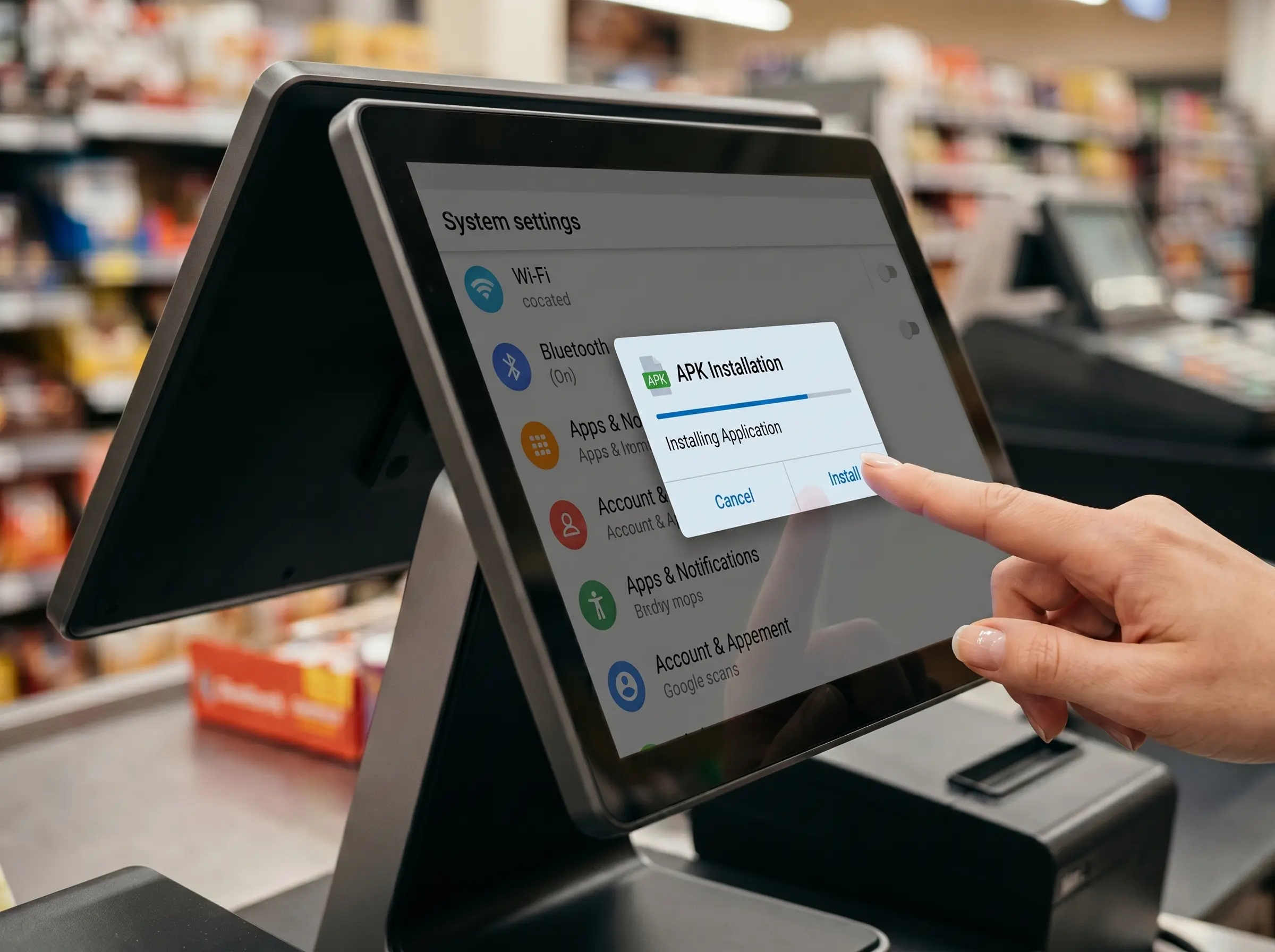
android pos apk installation testing verification 1

Android POS OS Environment Checking

[OS Support]
Android 11, Android 12, Android 13, with GMS availability checked when required.

[Hardware Architecture]
ARM64 platforms such as Rockchip RK3288, RK3568, and RK3588.

[Peripheral Protocols]
ESC/POS printers, RS232 scales, USB-HID scanners, and Android SDK-dependent peripherals.

[Validation Scope]
Practical checks for OS version, root or ADB options, peripheral response, and basic app behavior.

[Output]
Raw video or photo proof, configuration notes, and supplier feedback where available.
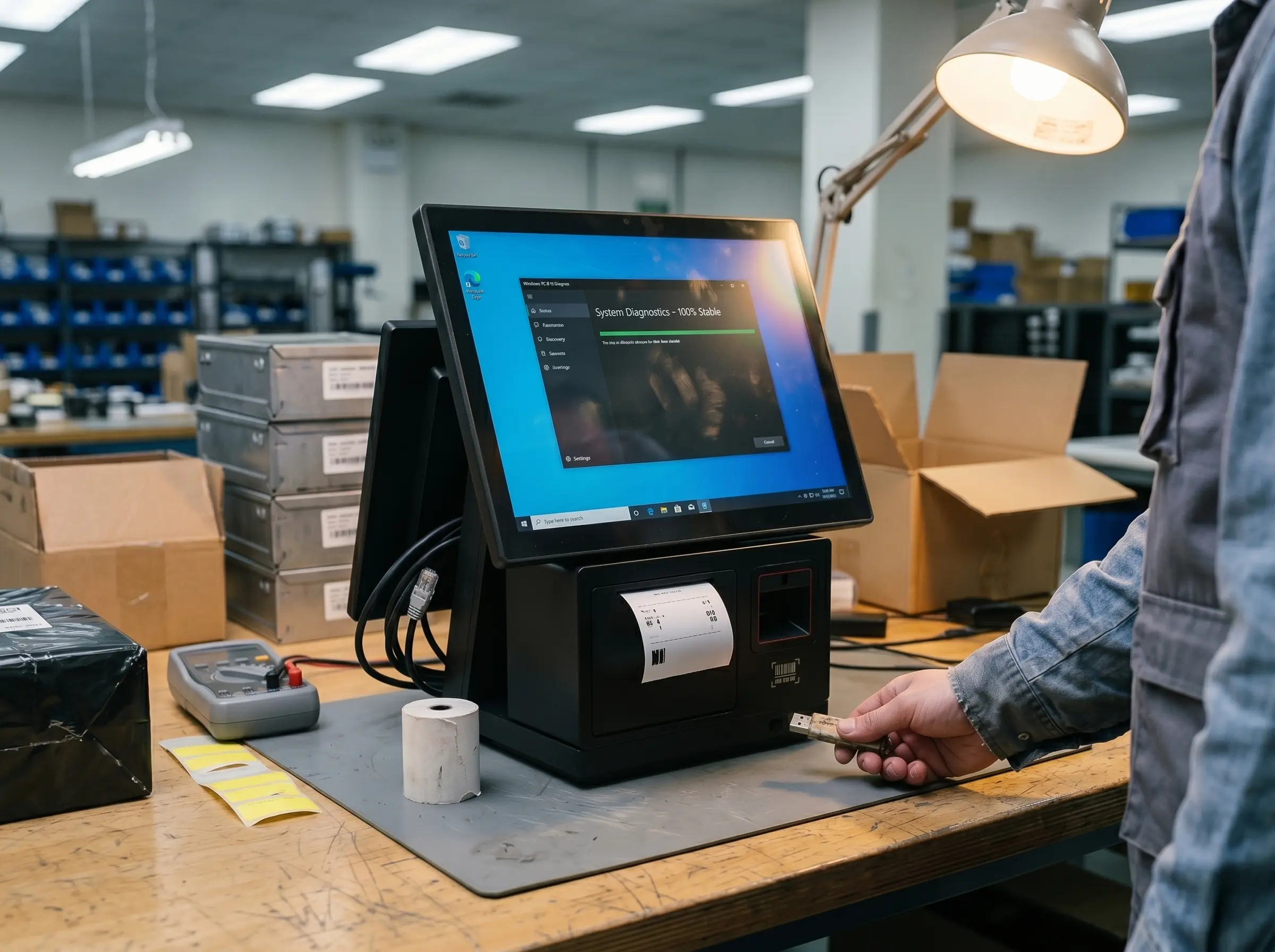
windows 10 iot pos hardware driver verification 1

Windows POS Driver & Port Checking

[OS Support]
Windows 10 IoT, Windows 10 Pro, Windows 10 Enterprise, and Windows 11 configurations where supported.

[Hardware Architecture]
Intel x86 platforms such as J1900, J6412, Core i3, and Core i5.

[Peripheral Protocols]
ESC/POS printers, OPOS / JPOS drivers, RS232 ports, USB-HID scanners, and cash drawer triggers.

[Validation Scope]
Practical checks for driver installation, COM port mapping, peripheral response, and touchscreen behavior.

[Output]
Raw test videos, configuration photos, issue notes, and relevant factory driver files where available.

Practical Compatibility Checks for Android & Windows POS Hardware

How Tesp Bridges Software Requirements and Factory Execution

Clear Technical Communication

Tesp translates your peripheral and configuration requirements into clear factory-side instructions, such as ESC/POS printer behavior, virtual COM port routing, Android root access, or Windows driver setup.

Physical Workbench Testing

Where practical, we load your app build, test script, or checklist onto a live unit and check key behaviors such as scanner input, printer response, cash drawer trigger, scale data stream, touchscreen response, and OS configuration.

Raw Video, Photos & Notes

You receive raw phone videos, connection photos, configuration screenshots, and a written summary of any issues found. When available, we also collect relevant English manuals, driver files, or supplier notes from the factory.

Peripheral Compatibility — What We Physically Verify

Peripheral Component What Tesp Checks What You Receive
Thermal Printers USB / RS232 connection, basic ESC/POS print behavior, cutter response, and cash drawer trigger support where applicable. Print Test Photo Cutter Response Note Connection Photo
Barcode Scanners 1D / 2D scan response, USB-KBW input behavior, virtual COM option, and basic input-field trigger behavior. Scan Test Video Input Mode Check Interface Note
Cash Drawers RJ11 / RJ12 connector fit, printer kick-out trigger behavior, and basic open response during test printing where supported. Trigger Test Result Connector Photo Factory Feedback
Smart Weighing Scales RS232 or USB data routing, raw weight stream behavior, SDK support, and basic data stability during practical checks. Telemetry Photo Protocol Note SDK Availability Check

Compatibility & Verification FAQs

Q1: Can I get root access on your Android POS terminals?

Tesp does not manufacture Android POS terminals, but we can check whether a supplier can provide rooted firmware, ADB access, GMS availability, or a custom boot logo for your order. Before you commit, we confirm the option with the supplier and check the sample configuration where practical.

We can check whether standard OPOS / JPOS drivers install on the sourced Windows hardware and whether connected peripherals respond as expected. Tesp does not develop drivers, but we help confirm that the supplier-provided driver package matches your practical deployment needs.

If your software encounters a hardware-related issue during testing, send us the error description, log, or reproduction steps. Tesp can coordinate with the supplier, reproduce the issue on the same hardware where practical, and follow up for factory feedback, firmware notes, or available workarounds.

You receive practical evidence from the check: raw video or photos of the hardware test, configuration screenshots, connection photos, a written issue summary, and any relevant factory driver files or documentation available in English.

Not Sure If Your Hardware Will Run Your Software Correctly?

Tell us your baseline requirements, including OS build, port layout, peripherals, external modules, and test app or script if available. Tesp will review the requirements and suggest a practical compatibility check plan with local suppliers.

compatibility
Scroll to Top