Parts or Accessories
Share the part name, model, quantity and photos. This is useful for adapters, cables, scanners, printers, mounting parts and other accessories.
Tesp | POS Hardware Supplier in China

Need help with a POS hardware order purchased through Tesp?
Send the model or order reference, a clear description of the question and any useful photos or videos. We can check available information for spare parts, product files, model changes or repeat orders.
Include the model, order reference and delivery date if known so we can understand which POS hardware you received.
Tell us whether your question concerns a product issue, a part, product information, a warranty-related matter or a repeat order.
Add clear photos, short videos, serial details or screenshots when they help explain the product or order question.
Please share the model name or order reference, delivery date if known, affected quantity and the specific question you need answered. Photos, short videos, serial details and screenshots are helpful when they show the product or issue clearly.
You do not need a formal service report. A clear description and the information you already have are enough for the first message.
These are the most common reasons buyers contact us after delivery.
Share the part name, model, quantity and photos. This is useful for adapters, cables, scanners, printers, mounting parts and other accessories.
Share the model and the file or product information you need, such as a manual, configuration record, driver, firmware or SDK.
Share the previous model, expected quantity, required configuration and accessory list before you place a repeat order.
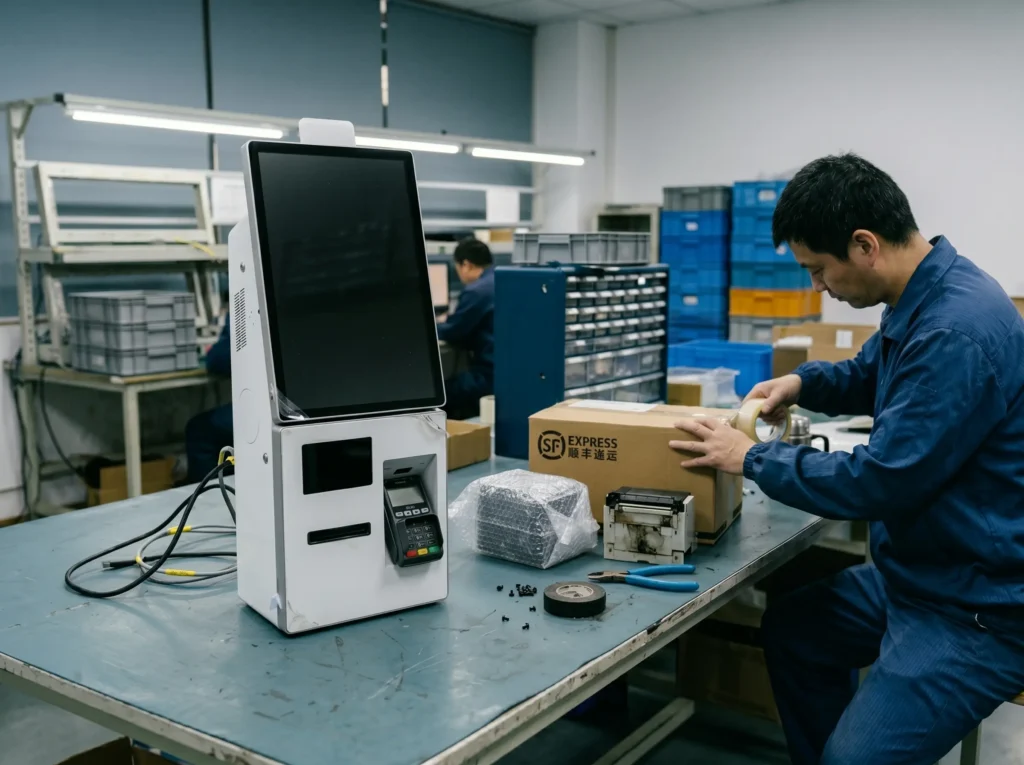
For an existing Tesp order, the most useful starting point is a clear product question and the related order details. We can check available information for parts, product files and repeat-order options.
Parts and Accessories
Share the part name, model, quantity and photos for adapters, cables, scanners, printers, mounting parts and other accessories.
Files and Product Information
Request available manuals, configuration information, firmware, drivers or SDK files for buyer-side technical review.
Repeat Orders and Model Changes
Share the previous model, expected quantity, configuration and accessory list before placing a repeat order.
Yes. Include the part name, model, quantity, photos and destination. We can check the available product information for the stated Tesp order.
You can request available manuals, configuration information, firmware, driver or SDK files. Your technical team must confirm installation, compatibility and integration.
Yes. Share the previous model, expected quantity, configuration and accessory list. We can check available model and accessory information before you decide on a repeat order.
Send the model name or order reference, affected quantity, a clear description of the question and any useful photos, videos, serial details or screenshots.
Local repair and warranty decisions depend on the applicable order and warranty terms. We can help check the available product information for the stated Tesp order.
Need to confirm an order before shipment? Review Small-Batch Orders. For logo, packaging, label or boot-screen requirements before ordering, see OEM & Private Label.
If you are planning a new purchase, start with Hardware Options or POS Hardware Samples.
Share the model or order reference, the product question, affected quantity and any photos or videos. Clear details are enough for the first message.