
Order POS terminals, self-checkout kiosks and retail scales from China for small-batch B2B requirements.
Once the model is confirmed, keep configurations, accessories, packing and delivery details clear before shipment.
Small-Batch POS Hardware Orders from China
Order Details
Confirm approved model, configuration, quantity, accessories, labels and packing requirements.
Accessories and Packing
Review agreed adapters, cables, accessories, labels and packing details before shipment.
Visible Order Records
Request agreed photos, packing information and visible confirmation material before dispatch.
Shipment Notes
Keep open product, packing or timing questions clear before your team confirms shipment.
What to Confirm for a Small-Batch POS Hardware Order
A small-batch order starts after the selected POS hardware model and sample direction are clear. The next task is to confirm the practical order information: model, configuration, quantity, accessories, packing, labels and shipment details.
This page helps keep those agreed details visible before shipment. Final software compatibility, formal inspection, certification and import compliance remain buyer decisions.
From Approved Sample to Shipment Details
Order follow-up should make the supplier-side process easier to track. Tesp keeps the agreed order details, supplier replies, packing evidence and open issues organized before shipment.
Confirm Order Details
Record model, configuration, quantity, accessories, packing and the approved sample reference.
Confirm Order Preparation
Request practical information about preparation, packing timing and any change that affects the agreed order details.
Review Packing and Accessories
Request photos or notes for adapters, cables, labels, cartons, manuals and other agreed packing items.
Review Before Shipment
Keep visible confirmation material and remaining order questions clear before your team confirms shipment.
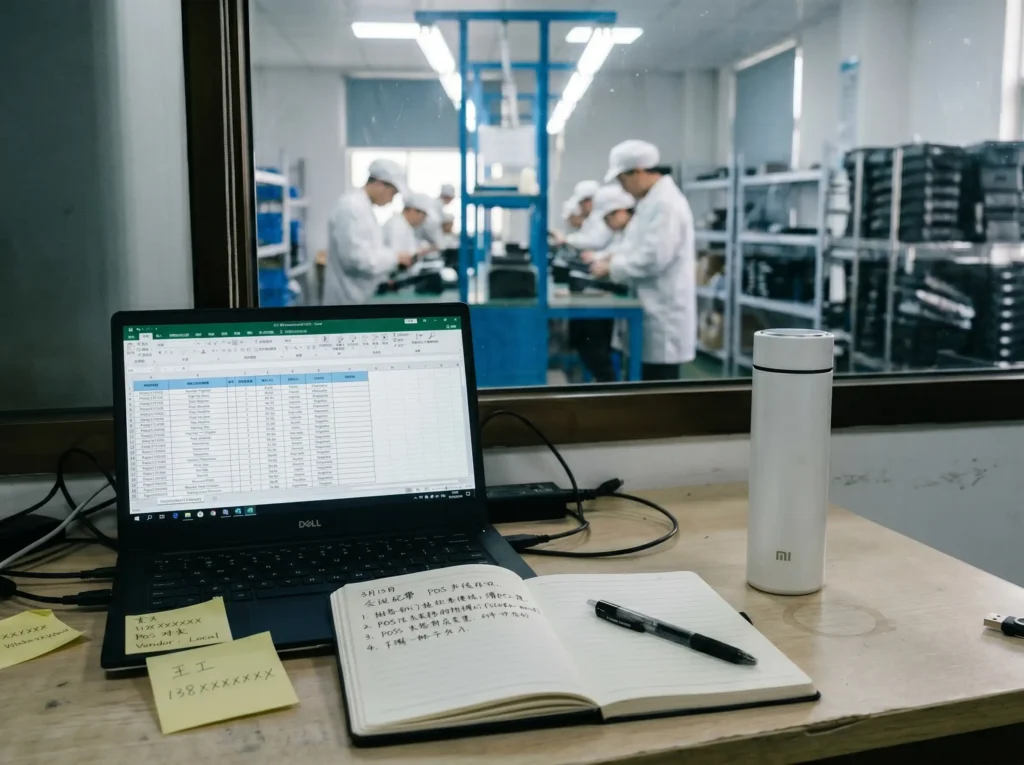
Order Information to Keep Clear Before Shipment
Once a small-batch order is confirmed, the key is to keep the agreed model, quantity, accessories, packing and shipment details consistent. This record helps your team review the order information before shipment.
-
Step 1: Order Detail Record
Keep the approved model, configuration, quantity, accessories, packing and label requirements clear against the sample or quotation reference. -
Step 2: Packing and Accessory Information
Request available information for adapters, cables, accessories, labels, cartons, manuals and other agreed packing items. -
Step 3: Open Questions Before Shipment
Record unresolved model, accessory, packing or timing questions so the buyer can decide the next step before shipment.
Small-Batch Order Checklist Before Shipment
Use this checklist to keep a small-batch order focused on practical, visible and agreed items before shipment. It does not replace formal inspection, certification review or buyer-side software testing.
| Order Area | What to Follow | What Tesp Can Coordinate |
|---|---|---|
| Order Details | Model, configuration, quantity, color, accessories, packing request and approved sample reference. | Order-detail record and available product information for buyer review. |
| Schedule | Preparation status, packing timing, changes that affect agreed order details and shipment readiness. | Practical timing information and open questions where available. |
| Accessories | Power adapters, plug type, cables, mounting parts, scanners, customer displays and other agreed items. | Accessory checklist and packing photos before shipment. |
| Packaging & Labels | Carton labels, product labels, shipping marks, manuals, inserts, logo items and packing condition. | Label photos, carton photos and open packing questions before dispatch. |
| Visible Checks | Agreed visible points such as model appearance, port layout, screen condition, accessory presence and packing completeness. | Photos, short clips or notes for buyer-side review where available. |
| Open Questions | Unclear model details, accessories, labels, packing items or shipment timing concerns. | Question record before the buyer confirms the next step. |
Small-Batch Order Requirements and Buyer Confirmation Points
What to Share for a Small-Batch Order
- Approved sample reference, model and configuration direction
- Order quantity, accessories, packing and label requirements
- Quotation, purchase or product information already confirmed
- Destination market, plug type and shipment timing requirements
- Visible order points your team wants documented before shipment
Buyer Confirmation Points
- Final software compatibility and driver validation
- Formal inspection scope, lab testing or certification review
- Local import compliance, installation and repair arrangements
- Final commercial approval for payment, shipment and delivery decisions
- Delivery, certification and commercial outcomes
Small-Batch Orders FAQs
What is a small-batch POS hardware order?
A small-batch order is an order for an approved POS hardware model with clear configuration, quantity, accessories, packing and shipment requirements.
What should be confirmed before shipment?
Confirm the model, configuration, quantity, accessories, plug type, packing, labels, shipping marks, shipment timing and any open question from the sample or order stage.
Does this replace third-party inspection or laboratory testing?
This page helps organize agreed order information and visible review material. Formal inspection, laboratory testing and certification review should be arranged separately where required.
Can Tesp check POS software, APK or Windows drivers before shipment?
Tesp can collect available configuration information and requested visible material. Final POS software, APK, Windows driver and integration testing must be completed by the buyer’s technical team.
What happens if an accessory or packing issue is found?
Share the affected item, quantity and available photos. The question can then be clarified before shipment so the buyer can decide the next step.
When is a small-batch order the right next step?
A small-batch order is the right next step when you have selected a POS hardware model and are ready to confirm quantity, accessories, packing and delivery details. If you are still comparing models, start with Hardware Options; if you need a sample first, use POS Hardware Samples.
If the model is not selected yet, start with Hardware Options. If you need to confirm a sample configuration, accessories or review material first, visit POS Hardware Samples.
For logo, packaging, label or boot-screen details, review OEM & Private Label. For questions about an existing Tesp order, use Existing Order Support. You can also compare POS terminals, self-checkout kiosks and retail scales.
Request Small-Batch POS Hardware Order Support
Share the approved model, configuration, quantity, accessories, packing requirements, destination market and the order or shipment question you need clarified.