
Retail POS Hardware for B2B Checkout Projects
Compare front-counter POS terminals, barcode scanning, receipt printing, cash drawer connections and customer display roles before a retail sample or pilot order.
Retail Checkout Hardware
Review POS terminal, scanner, printer, cash drawer and display needs
Barcode Scanning Needs
Clarify handheld scanner, desktop scanner and port requirements
Printing and Drawer Checks
Confirm receipt printer workflow and cash drawer connection
Sample Before Rollout
Check hardware fit before retail pilot or small-batch deployment
Retail POS Hardware Options to Review First
Retail POS projects usually combine a POS terminal with scanning, printing, drawer and display hardware. Start from the hardware group below, then open the dedicated product page for model-level details when needed.
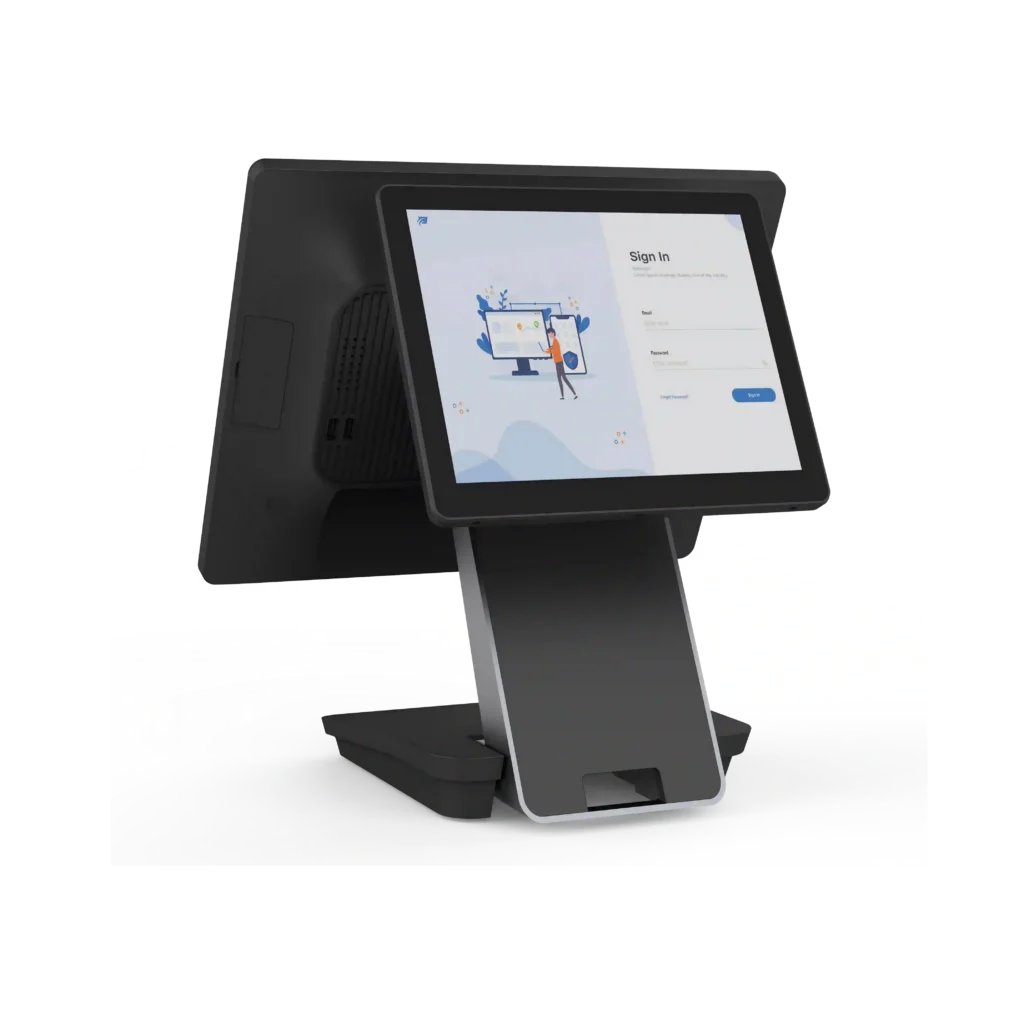
Front-Counter POS Terminals
Touchscreen POS terminals for retail checkout counters, cashier desks and POS software deployment projects. Use this path when the main requirement is a reliable retail POS machine with suitable display, system and peripheral connections.
Review POS terminal hardware options for retail checkout counters
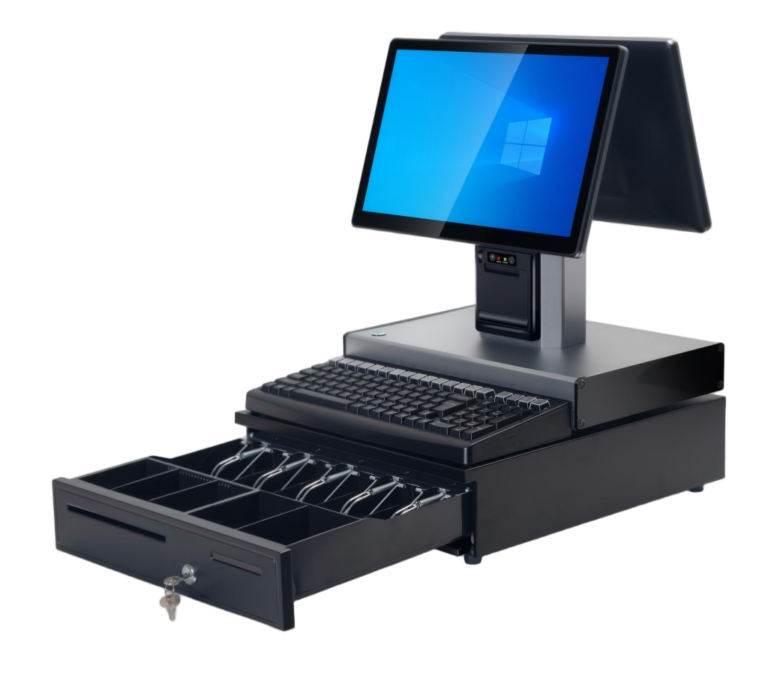
Barcode Scanning and Checkout Peripherals
Retail checkout projects often need scanner, cash drawer, customer display and cable details confirmed together with the POS terminal. Review ports, mounting position, driver needs and packaging accessories before sample approval.
Compare POS terminal platforms before confirming scanner and peripheral requirements
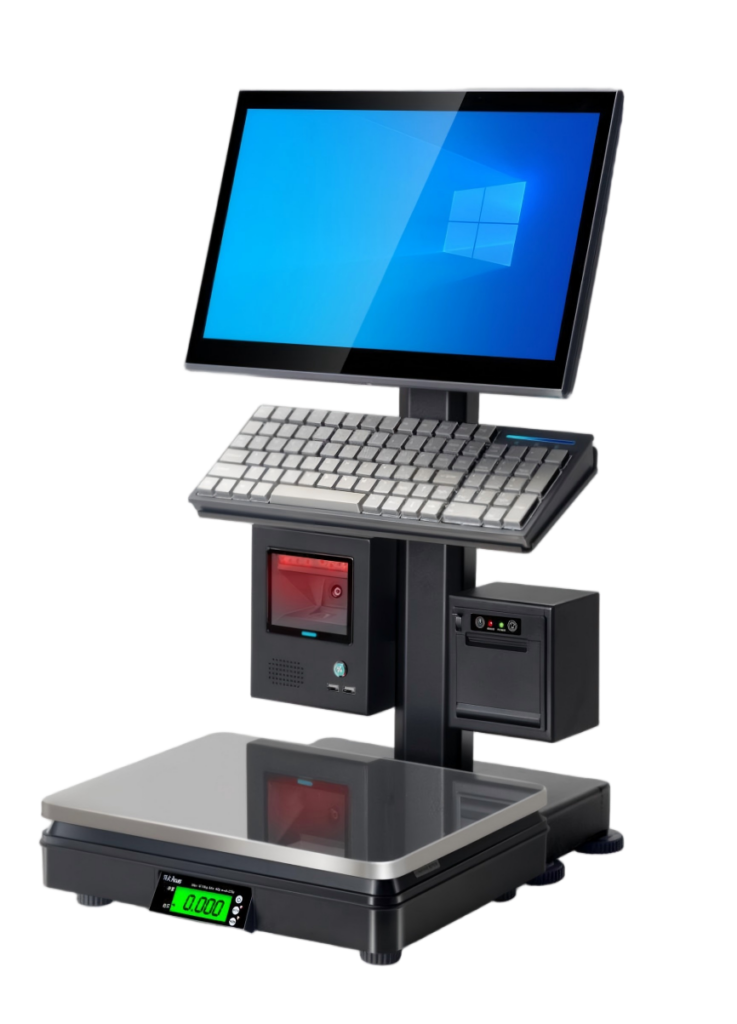
Related Hardware Paths for Retail Projects
For self-service checkout, review the dedicated Self-Checkout Kiosks page. If a retail project includes produce, deli or label-printing weighing needs, review POS & Weighing Scales or the Grocery POS & Weighing Hardware page instead of expanding those product details here.
Retail Checkout Hardware Combination Guide
Use this guide to organize retail POS hardware requirements before contacting suppliers or ordering samples. Detailed model specifications should be confirmed on the related product pages.
| Area | Hardware to Review | Typical Project Use | Sample Confirmation Point |
|---|---|---|---|
| Checkout Counter | Touchscreen POS terminal, receipt printer, cash drawer, scanner and customer display | Retail cashier counter, replacement model projects and small-batch deployment | Screen size, system direction, ports, printer connection and drawer trigger method |
| Scanning | Handheld scanner, desktop scanner or scanner connection to the POS terminal | Barcode item lookup, product checkout and membership card scanning | Barcode type, USB or wireless connection, stand need and software test plan |
| Receipt Printing | External receipt printer or built-in printer direction depending on counter space | Retail receipt output, compact checkout counters and pilot store setup | Paper width, interface, power adapter, driver and local receipt format needs |
| Customer Display | Second screen, pole display or rear display direction depending on project requirement | Checkout transparency, customer-facing amount display and promotion display projects | Display size, mounting method, cable route and software output support |
| System Direction | Android or Windows POS terminal direction based on software and peripheral needs | Retail POS software deployment, reseller projects and hardware replacement | OS version, CPU/RAM/storage range, driver needs and buyer-side compatibility testing |
What to Confirm Before Retail POS Sample Orders
Before sample ordering, confirm the hardware combination in practical terms. This helps suppliers recommend suitable models and helps buyers avoid missing accessories or unsuitable ports.
| Check | What to Prepare | Why It Matters |
|---|---|---|
| Store Scenario | Store type, counter layout, checkout workflow and expected hardware combination | Retail POS hardware should match the actual counter space and checkout process |
| System Direction | Android or Windows direction, required POS software, driver needs and buyer-side test plan | Software compatibility must be confirmed by the buyer’s technical team before batch ordering |
| Peripheral List | Scanner, receipt printer, cash drawer, customer display, Ethernet, USB and serial port needs | Missing peripherals or ports can delay sample review and pilot deployment |
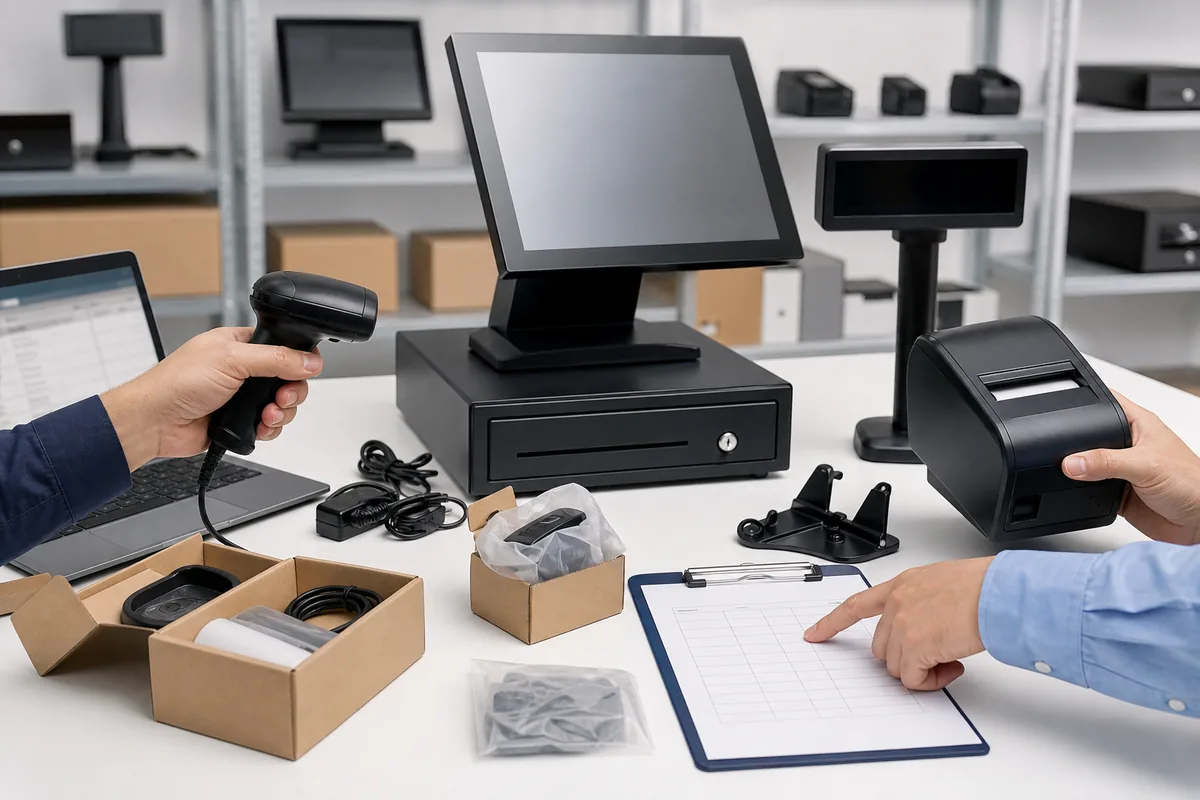
| Sample Evidence | Photos, accessory list, configuration notes, packaging check and basic power-on evidence where practical | Clear evidence helps reduce misunderstanding before pilot or small-batch order decisions |
Suitable Retail POS Hardware Projects
Review retail checkout hardware options for customer projects
POS Dealers and VARs
Review retail checkout hardware options for customer projects
Selected Software Teams
Compare POS terminal, scanner, printer and display hardware directions
Retail Technology Providers
Compare front-counter, self-ordering and peripheral hardware directions
Retail POS Hardware Checks Before Sample Approval
Before approving a retail POS hardware sample, keep checkout workflow, scanner type, printer path, cash drawer connection, customer display, peripherals and destination-market requirements clear.
Confirm Checkout Workflow
Confirm the standard retail checkout flow before selecting devices.
Choose Product Paths
Choose the relevant POS terminal and peripheral product paths.
Review Sample Evidence
Review selected hardware photos, port layout and sample configuration details.
Record the Approved Combination
Keep the approved retail checkout combination and sample record consistent.
FAQ About Retail POS Hardware
What retail POS hardware can Tesp help review?
Tesp can help review POS terminals, barcode scanners, receipt printer requirements, cash drawer connections, customer display needs, cable accessories and sample packaging details for retail technology projects. Exact models and configurations should be confirmed on the related product pages and selected samples.
Does this page cover retail POS software or local installation?
No. This page covers retail POS hardware combinations. Retail POS software, payment processing and local installation should be handled with the buyer’s own technical team and relevant local providers.
Can this page include self-checkout hardware?
Only as a light project direction. Detailed self-checkout kiosk screen, printer, scanner, payment bracket and installation options should be reviewed on the Self-Checkout Kiosks product page.
Can this page include weighing scales?
Only as a related retail hardware direction. Detailed label printing scale and barcode weighing scale options should be reviewed on the POS Weighing Scales product page, and broader grocery POS and weighing combinations should be reviewed on the Grocery POS and Weighing page when available.
Where should Android and Windows retail POS hardware be compared?
Review the dedicated Android POS Terminals page for Android version, GMS and Android peripheral points. Review the Windows POS Terminals page for Windows platform, drivers, ports and peripheral requirements.
What should I send for a retail POS hardware inquiry?
Please share the retail store type, required POS terminal type, Android or Windows direction if known, scanner needs, receipt printing workflow, cash drawer and customer display requirements, sample quantity, estimated order quantity and destination market.
Still comparing retail POS terminal platforms? You can review POS terminal hardware options, then check Android POS terminals or Windows POS terminals for system-specific hardware details.
If your retail project also includes self-service checkout, review the dedicated self-checkout kiosk hardware page. If the project needs label printing scales or weighing hardware, use the POS weighing scales page instead of expanding those details here.
For a broader overview of available POS hardware categories, start from Tesp POS hardware and choose the product page that best matches your sample or small-batch project.
Send Your Retail POS Hardware Requirements
Share the retail format, POS terminal direction, scanner needs, receipt printing workflow, cash drawer and customer display requirements, sample quantity, order quantity and destination market to compare the relevant retail checkout hardware combination.